google ads 14 min read
How to Set Up a Google Ads Campaign: The Complete Guide
Learn how to set up a google ads campaign that actually converts. Step-by-step tutorial for local service businesses with proven strategies.
On this page
- Why Most Google Ads Campaigns Fail Before They Launch
- Setting Up Conversion Tracking Before Selecting Keywords
- Defining Your Service Area and Audience Targeting
- Building Tightly Structured Ad Groups and Keywords
- Choosing Bidding Strategies That Optimize for Leads
- Staged Launch and Continuous Optimization Workflow
- When to Use Manual Control Versus Automated Campaigns
You've got the call volume, but the jobs aren't lining up. The phone rings, the forms come in, and yet the inbox is full of price shoppers, spam, and people outside your service area. That's usually not a keyword problem. It's a setup problem, because Google Ads is an auction system built to optimize whatever you tell it counts.
Google's path from AdWords in 2000, when it launched with about 350 advertisers, to the current Google Ads platform explains why this matters so much. The system moved from simple exposure and cost-per-thousand-impressions pricing to a cost-per-click model in 2002, then expanded in 2018 to cover more than keyword search alone, including Display, YouTube, Shopping, apps, and automation types. That history matters for local service businesses because setup is no longer just “pick keywords and spend.” It's objective, location, service, and conversion architecture built around measurable actions. Google's AdWords launch history
Why Most Google Ads Campaigns Fail Before They Launch
A homeowner needs an emergency plumber, searches for help, and clicks a polished ad. The landing page loads, the phone number is visible, and the offer sounds reasonable. The campaign can still produce poor results if the business has not defined what counts as a valuable lead inside Google Ads. A completed form from a price shopper, an unqualified caller, and a booked job should not send the same signal to the platform.
The setup determines what the account learns. Ad Rank depends on more than the bid, while Quality Score serves as a diagnostic measure rather than a direct auction input. Google evaluates expected click-through rate, ad relevance, and landing-page experience against other advertisers in similar auctions. Google Ads auction and Quality Score guidance
Undefined success drives wasted traffic
A local service advertiser may begin with a simple goal: “get more leads.” That goal becomes expensive when the campaign rewards low-intent submissions. If every form fill receives equal credit, automated bidding will seek more users who behave like the people behind those submissions.
Practical rule: if you would not happily pay for the lead twice, do not optimize for it as though it were equal to a booked appointment.
Start with measurable business outcomes. Decide whether verified calls, completed forms, booked appointments, signed contracts, or purchases represent the value you want the campaign to pursue. Keep weaker actions, such as basic engagement, in a secondary role. The choice affects bidding, budget pacing, reporting, and the quality of decisions made after launch.
Why local-service accounts need measurement architecture first
A plumber, electrician, or dentist is paying for opportunities to create calls, form submissions, bookings, or purchases. The account should connect those actions to the ads and keywords that generated them, then pass meaningful feedback back into the campaign. Google Ads conversion and attribution guidance also covers the signals needed to connect customer actions with ad interactions.
That architecture includes more than a conversion tag. Consent handling must respect whether a visitor has granted permission for measurement, while call tracking and forms should distinguish genuine enquiries from spam, repeat contacts, and people outside the service area. Lead-quality feedback from the CRM can later show which campaigns produce booked jobs rather than cheap enquiries.
Build these rules before launch. Otherwise, the account begins learning from incomplete or misleading signals, and the first optimization decisions can push spend toward the wrong customers. A clean campaign starts with a defined outcome, a consent-aware tracking path, and a feedback loop tied to phone-verified leads.
Setting Up Conversion Tracking Before Selecting Keywords
Keyword selection should follow measurement setup. Create the conversion actions, connect the tracking method, and test the events that represent business value before building the campaign. Google's conversion setup guidance explains that attribution can depend on capturing click identifiers such as GCLID, and where applicable GBRAID or WBRAID, so an enquiry can be connected to its ad interaction. Google Ads conversion setup guidance
Build the conversion taxonomy before launch
Define what the account should count, then decide which actions can guide bidding. For local service campaigns, primary actions usually include verified phone calls, completed contact forms, and booked appointments. Page views and other engagement events can remain secondary unless they represent a meaningful business outcome.
A practical taxonomy looks like this:
- Primary conversions: verified calls, booked appointments, completed lead forms
- Secondary conversions: pricing-page visits, service-page scrolls, general engagement
- Offline conversions: signed contracts, completed jobs, and revenue events imported from the CRM
Use transaction IDs where applicable to prevent duplicate conversions. Offline conversion imports also need the relevant click identifiers to preserve attribution. Without that control, the same enquiry may be counted by both browser and server tracking, making lead volume appear higher than it is.
Test the tags before you spend
Install the Google tag or another approved measurement method, submit test forms, confirm call tracking, and check that each action enters the correct conversion category. Test the full path from ad click to thank-you page, phone system, or CRM record. A tag firing in the browser is not enough if the conversion action is misnamed, duplicated, or assigned to the wrong primary category.
Consent handling belongs in this pre-launch check. Google states that conversion tracking requires clear disclosure and consent where legally required, and that remarketing data should be disabled when consent is unavailable. Google conversion tracking and consent guidance
A campaign built on broken conversion tracking doesn't need a bigger budget, it needs a reset.
If the site uses CRM follow-up or server-side measurement, validate the ordinary conversion tag first. Enhanced Conversions supplements baseline tracking, so it should not be used to cover a broken form or call event. For the operational trade-offs of server-side collection, see this server-side tracking guide. The launch decision should rest on phone-verified leads and booked work, not on a conversion count that has not been tested end to end.
Defining Your Service Area and Audience Targeting
A heating contractor can generate plenty of clicks from outside its workable radius, then discover that long drives and delayed callbacks turn those enquiries into poor leads. Service-area settings should prevent that outcome before launch. Map the places the business can reach profitably, then remove locations that create weak appointments, slow response times, or unserviceable requests.
Because location determines which auctions the campaign enters, sloppy geography wastes spend even when the ads are strong. Use Google Ads auction and Quality Score guidance as a reference for account reviews, but make the service-area decision from operational capacity and phone-verified lead quality.
Set boundaries around actual operations
A radius around a shop, office, or technician base suits businesses serving nearby customers. A custom service area works better for contractors covering a metro region with distinct neighborhoods. Choose the method that matches dispatch patterns, not the largest possible map.
Review each location against travel time, crew availability, call-back speed, and booked-job value. An HVAC company might exclude distant suburbs that repeatedly produce slow callbacks. A dentist may prioritize nearby neighborhoods where patients are more likely to attend appointments. The same test applies to handymen, gardeners, and auto repair shops.
Location settings should also match the campaign's delivery intent. Check whether the campaign targets people physically in the area, people showing interest in it, or both. For a local service business that needs nearby callers, broader interest-based reach can add irrelevant enquiries. Check the search terms and lead records before allowing that reach to continue.
Use audiences as signals, not substitutes for intent
Demographic filters, in-market segments, and customer lists can help refine delivery, but they do not replace a relevant service query. Keep audience expansion constrained until the campaign produces verified leads within the intended area. A large audience can raise traffic while hiding weak fit.
Negative keywords support the same control. Review search terms regularly and exclude DIY research, employment searches, tutorials, unrelated services, and jobs the business does not accept. Add exclusions based on actual lead feedback, not assumptions.
For a managed local workflow, BenjiAds's local Google Ads overview describes this practical approach. Feed back which enquiries became real conversations and booked work, so targeting improves around lead quality rather than cheap clicks.
Building Tightly Structured Ad Groups and Keywords
Build each ad group around one service and one search intent. Keep emergency repairs, routine maintenance, and installations separate, even when they belong to the same trade. This makes it easier to assign the right offer, landing page, call message, and lead-quality rules to each theme.
Match the keyword to the job, not the category
Start with exact match and phrase match for searches that show clear buying intent. Expand only after search-term reviews show phone-verified leads, not just more clicks. Google defines exact match with brackets, such as [emergency plumber], which gives tighter control over triggering queries. Google Ads keyword and match-type guidance
Use a naming convention that exposes the commercial intent at a glance:
EMERGENCY | PLUMBING | LEAK REPAIRMAINTENANCE | PLUMBING | BOILER SERVICEINSTALLATION | HVAC | AIR CONDITIONING
A practical structure might look like this:
| Service theme | Campaign treatment |
|---|---|
| Emergency repairs | Urgent wording, call-focused ads, immediate-response landing page |
| Routine maintenance | Planned-service wording, booking-focused ads, schedule-led landing page |
| Installations | Quote-focused ads, equipment details, longer sales-path follow-up |
Negative keywords should reflect the difference between those themes. For an emergency group, review exclusions such as DIY, jobs, training, parts, and manual. For maintenance, add terms that indicate urgent work if the business cannot respond quickly, such as 24 hour, emergency, or burst pipe. Apply exclusions only when the business does not serve that intent, then confirm the decision against search terms and lead records.
This setup also makes lead feedback actionable. If a call record shows that “boiler repair” enquiries are being sent to a maintenance group, move the term or adjust the exclusion rather than judging the whole campaign by its average cost per lead.
Write ads that continue the searcher's thought
Match the ad to the exact job. A person searching for emergency service needs urgent-response language, a visible phone option, and a landing page that answers the immediate need. A generic “trusted local experts” message can attract clicks without producing useful calls.
Useful test: if the ad promises one service and the landing page answers a different question, the account pays for the mismatch.
Keep each service page focused, quick to understand, and aligned with its ad group. A generic homepage usually weakens the next action for local searchers.
Choosing Bidding Strategies That Optimize for Leads
Bidding works best when the account has enough clean data to support it. Until then, manual control still has a place, especially in new accounts or in markets where lead quality varies widely. The mistake is treating bidding as the strategy itself. Bidding is only the lever. Conversion quality is the target.
Use the strategy that fits the account's stage
Manual CPC can make sense when you're still learning which searches generate real business. It gives you more control while the account is small and the conversion map is being validated. Enhanced CPC can help during a transition period, because it adds some automation without handing over all the control at once.
Automated bidding becomes more useful once the account has enough validated primary conversions to guide the system. At that point, strategies like target CPA or value-based bidding have better information to work with. If the account is still counting every form fill as equal, automation can optimize toward cheap volume instead of qualified leads.
Budget should support learning, not chase daily emotion
Daily budget changes can destabilize a campaign, especially early on. Pick a budget that supports a real testing window, then adjust based on verified lead quality rather than one or two isolated results. A campaign that gets a few expensive calls on day one may still be healthier than a campaign filled with unqualified traffic.
BenjiAds is one option that handles campaign setup, landing funnels, and lead follow-up for local service businesses, but the underlying rule stays the same no matter what tool you use, the bidding system can only optimize against the signals it receives. If the signals are weak, the account will drift toward weak outcomes.
Staged Launch and Continuous Optimization Workflow
A controlled launch gives local-service campaigns room to learn without wasting the budget. Start with a narrow service area, high-intent services, verified conversion actions, and a short keyword list. This baseline makes it easier to identify which searches produce phone-verified leads before broader coverage increases costs.
Start controlled, then expand with evidence
Use a staged approach to conversion funnel optimization by checking the campaign's first outcomes before expanding match coverage. Review search terms early, exclude irrelevant queries, and confirm that calls and form submissions represent genuine enquiries rather than accidental or low-intent activity.
Once the baseline is stable, test one change at a time. Add related service themes, widen keyword coverage cautiously, and increase budget in steps. A sudden expansion can mix new traffic with the original signal, making it harder to identify what caused lead quality to fall. If poor enquiries increase, pause the expansion and inspect the search terms, ads, landing pages, and follow-up process before making another change.
Enhanced conversion handling can improve measurement when the underlying inputs are reliable. Follow Google Ads enhanced conversions guidance while keeping the implementation aligned with the consent process already defined for the account.
Feed business outcomes back into decisions
Ad-platform results become more useful when they are compared with what happened after the enquiry. Mark leads as qualified, unqualified, booked, or closed in the CRM, then use those outcomes to decide which services, searches, and locations deserve more budget. For phone-first businesses, offline conversion imports can connect later sales actions to the original campaign activity. Google conversion tracking guidance
Keep the operating rhythm practical:
- Launch narrowly: protect budget while the first signals develop.
- Review search terms: remove irrelevant intent before adding reach.
- Check verified leads: compare platform conversions with call and job outcomes.
- Expand in stages: change coverage or budget only after a clear pattern appears.
- Record lead feedback: let qualified opportunities guide the next test.
Staged launch turns optimization into a sequence of controlled decisions. BenjiAds applies this campaign architecture for local service businesses, but the operating principle is the same: scale the parts of the account that produce verified opportunities, not merely more conversions.
When to Use Manual Control Versus Automated Campaigns
Manual control still has a place, but it's narrower than most beginners think. It works best when the account is new, the business has limited conversion history, the market changes sharply by season, or lead quality needs close human review. In those cases, a tighter hand on keywords and budgets can keep the account from wandering before there's enough data to guide automation.
Use manual control when the inputs are still immature
If the campaign doesn't yet know which leads turn into jobs, automation has little to learn from. That's especially true for businesses with long sales cycles, inconsistent call handling, or fragmented follow-up. In those situations, manual bidding is a bridge, not the destination.
Approval-based control matters too. A campaign can be prepared in advance and paused until the owner approves it, which keeps the business in charge of spend even when the setup process is automated. That's important in privacy-sensitive markets as well, because first-party data and clean consent handling are becoming more valuable than clever bid tweaks.
Use automation when the feedback loop is trustworthy
Automated bidding starts to make sense when the account has stable tracking, clear primary conversions, and reliable lead-quality feedback. At that point, the system can learn from better signals than clicks alone. The more accurate the conversion architecture, the more useful the automation becomes.
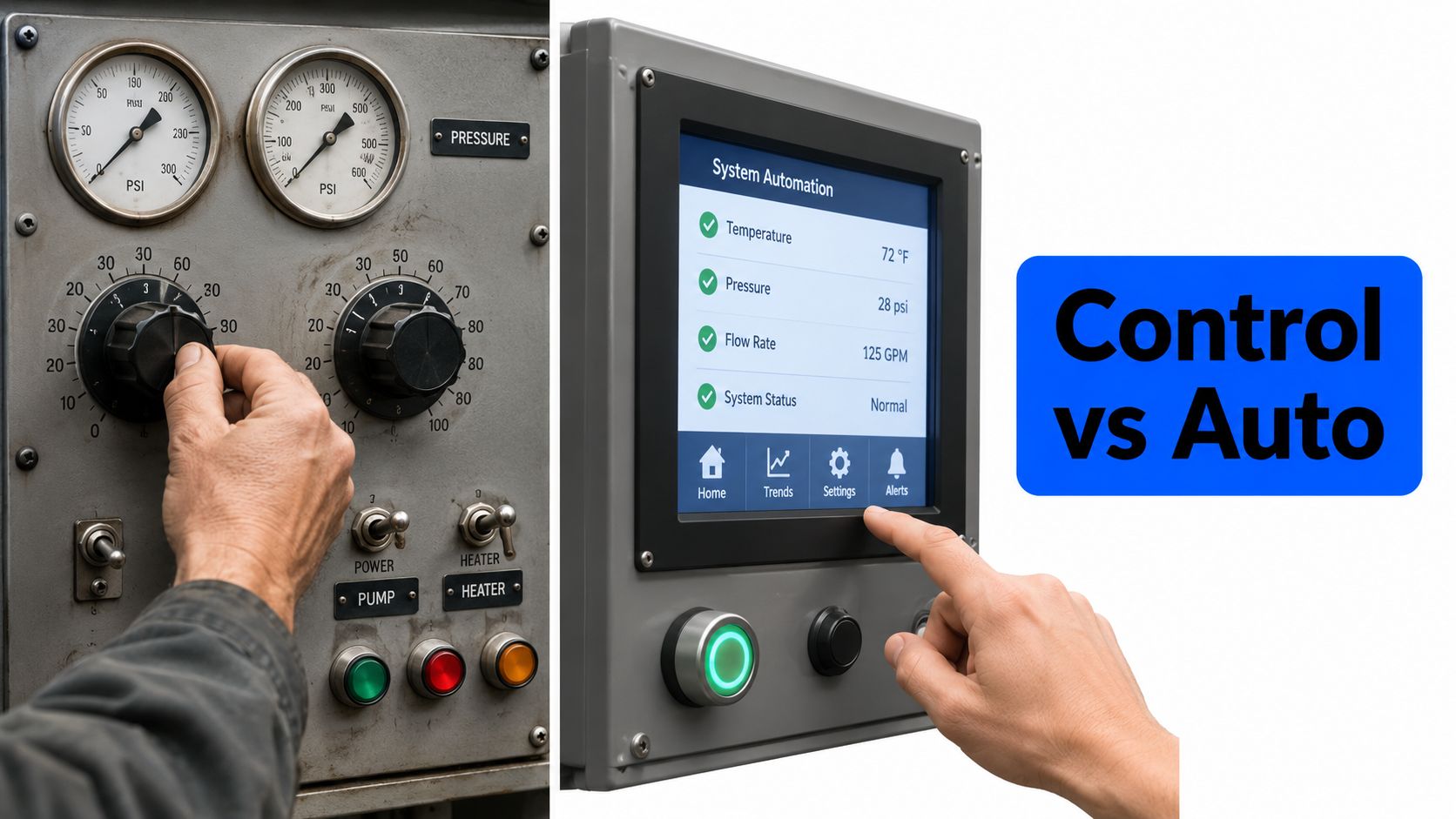
The core decision isn't manual versus automated. It's whether your campaign has the measurement architecture to support automation without letting it chase junk signals. If the account can't separate a phone-verified lead from a casual click, the bidding strategy won't save it.
If you want a Google Ads setup that's built around verified leads instead of vanity traffic, benjiads can set up campaigns, tracking, landing funnels, and follow-up for local service businesses in one workflow. It's a practical fit when you want the account structured correctly before spend starts, and when phone-verified leads matter more than clicks.
- google ads
- google ads campaign
- how to set up a google ads campaign
- ppc guide
- local advertising
Done for you
Ads that text you customers.
- ✓ Ads created for you
- ✓ Every lead texts your phone
- ✓ Free to use, no credit card
748+ local businesses run ads with benjiads