conversion tracking software 11 min read
Conversion Tracking Software That Actually Works
Learn how conversion tracking software turns ad clicks into decisions, with a clear look at server vs client setups, CRM integration, and what to verify.
On this page
Monday morning looks fine until the numbers don't. The ad platform says the campaign is working, the CRM says fewer people made it through, and the owner is left guessing whether to spend more or shut the ads off.
That's the core job of conversion tracking software. It's not just a reporting screen, it's the system that helps a business decide whether a lead, call, booking, or purchase took place, and whether the number is trustworthy enough to back it with more budget. Google Ads frames conversion tracking around total conversions, conversion rate, and cost per conversion, and that shift in measurement is what turned tracking from a loose analytics idea into a practical decision system for paid media Google Ads help documentation.
For a local business, that matters more than the dashboard style. A roofing contractor, a plumber, or a dentist doesn't need prettier charts first, they need to know which numbers are real, which ones are duplicated, and which ones can be trusted when it's time to raise spend.
When Two Dashboards Disagree
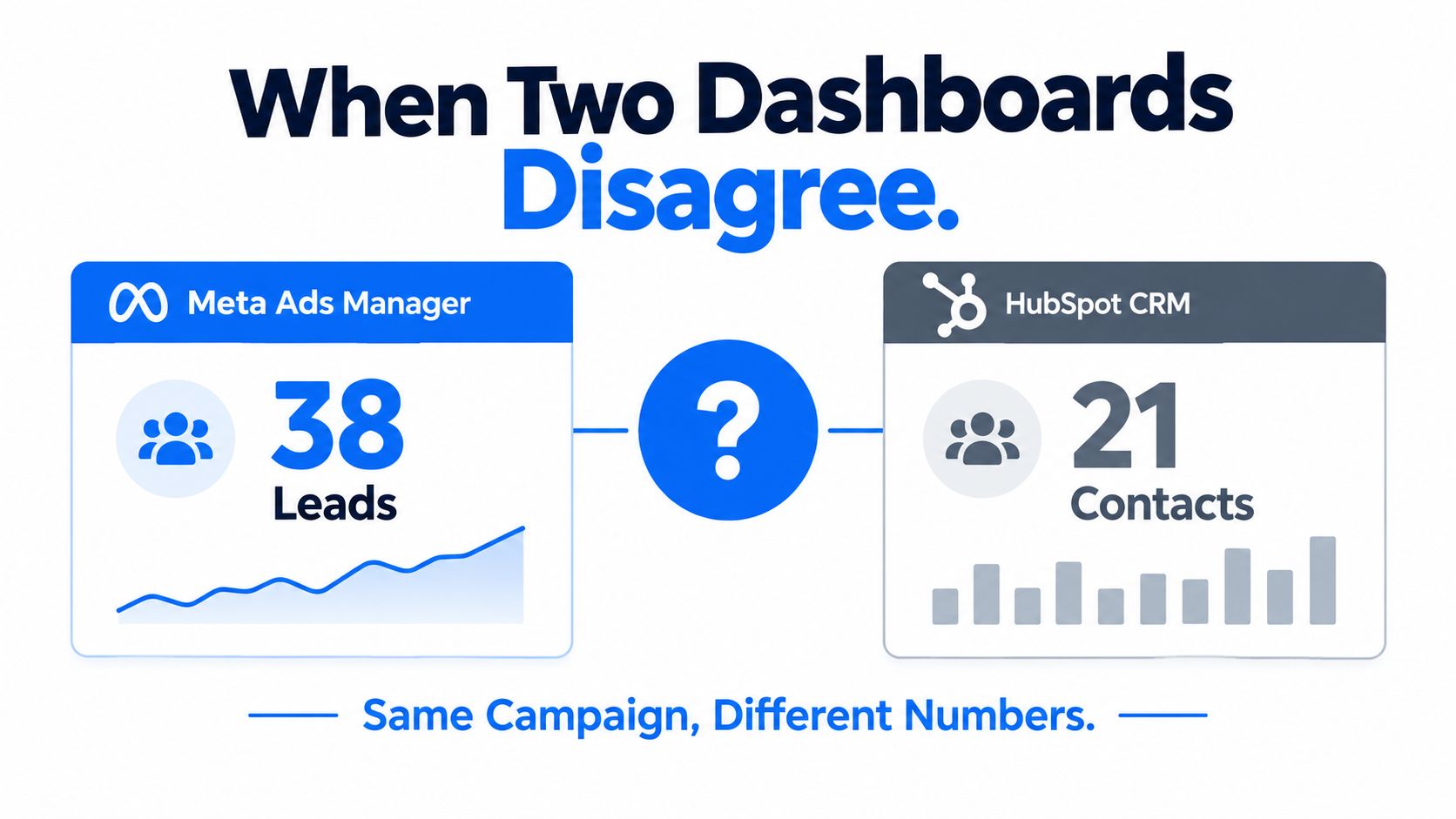
Mike, a roofing contractor in Tampa, opens Meta Ads Manager on Monday and sees one story. He opens HubSpot and sees another. The spend is the same, the campaign name is the same, but the lead counts don't match, and that gap makes him hesitate before putting more money behind the ads.
The problem is usually not one broken number
When dashboards disagree, the usual issue is that they're looking at different parts of the same journey. One system sees a click or a browser event, another sees a completed record in the CRM, and some conversions never show up in either place because the browser blocks the tag, the visitor comes back later, or a phone call never gets tied back to the ad.
That's where conversion tracking software earns its place. It acts like a reconciliation layer, taking events from the browser, the server, and the CRM, then matching them so the ad platform and the business are looking at the same source of truth.
Practical rule: if a lead can happen offline, after a call, or on a second visit, the pixel alone will usually tell only part of the story.
The useful mental model is simple. A dashboard is a scoreboard. Tracking software is the person at the table checking that both teams agreed on the same play.
The rest of the topic comes down to three questions. What exactly counts as a conversion, where does the data get captured, and how do you trust the final number enough to spend more?
What a Conversion Really Means
A conversion is the business action you have decided is worth measuring. For one local business, that may be a form fill. For another, it may be a phone call, a booked appointment, a purchase, or even a long video view if that is the step tied to the buying process.
The label matters less than the decision behind it. If every click sits in the same bucket, reports get noisy and budget decisions get shaky. If the business action is defined clearly, conversion tracking software can count the outcome instead of the activity around it.
The three numbers that keep the budget honest
Google Ads help docs center conversion reporting around total conversions, conversion rate, and cost per conversion. Those are the figures a plumber would use to judge whether a “Book a Drain Cleaning” campaign deserves more spend.
| Statistic | Formula | Plumber Example |
|---|---|---|
| Total conversions | Count of completed valued actions | 47 form submissions last month |
| Conversion rate | Conversions divided by visits | 47 conversions out of 1,240 landing-page visits |
| Cost per conversion | Ad spend divided by conversions | $2,400 spent divided by 47 leads |
The logic is simple. Total conversions show volume. Conversion rate shows efficiency. Cost per conversion shows whether the campaign can keep running without eating into margin. Once those three numbers line up, a business can judge a channel by outcomes instead of vague traffic.
A conversion does not have to stay online to matter. A booked appointment, a phone call, or an offline sale can still belong in the same measurement plan if the tracking setup captures it and sends it back into the system cleanly.
The best definition of a conversion is the one that matches how you actually get paid.
Server Side and Client Side Tracking Explained
There are two basic paths a conversion can take. One starts in the visitor's browser, the other starts on your server.
Browser events are quick, but fragile
Client-side tracking fires a pixel or JavaScript tag from the browser when the visitor submits a form or reaches a thank-you page. It's easy to set up and fast to capture, which is why so many teams start there. The problem is that browsers, ad blockers, privacy settings, and cookie limits can interrupt the handoff before the event ever reaches the ad platform.
Server events are slower to set up, but harder to lose
Server-side tracking sends the event from your own web server, cloud function, or backend system directly to an API such as Meta Conversions API or Google Enhanced Conversions. That matters because the event doesn't depend on the browser still being alive, visible, or willing to cooperate. Industry guidance also says server-side routing can improve the amount of tracked conversion data in some setups, and one independent guide cites up to 46% more conversions tracked after moving events through server infrastructure client-side vs server-side tracking guide.
Here's the practical difference in plain language. The browser is the messenger that might get stopped at the door. The server is the office sending the notice straight from the back room.
| Factor | Client-Side Pixel | Server-Side API |
|---|---|---|
| Capture point | Visitor browser | Business server or backend |
| Setup speed | Usually simpler | Usually more technical |
| Resilience | More exposed to blockers and browser limits | Less exposed to browser restrictions |
| Data richness | Depends on what the browser can pass | Can send first-party data and hashed identifiers |
| Best role | Fast browser capture | Durable backup and cleaner delivery |
A dual-path setup uses both. The browser fires one event, the server sends another with the same event ID, and the platform deduplicates them so the conversion is counted once while still benefiting from the extra first-party signal. That's why modern setups don't treat server-side tracking as a replacement for the pixel, they treat it as the backup that catches what the browser misses.
For a plain-English walkthrough of that architecture, see this server-side tracking guide.
Connecting Conversions to Your CRM and Follow-Up
A lead that never reaches the dispatcher is just a form submission. A lead that reaches the CRM, gets a text, and gets called back is a sales opportunity.
In home services, that chain matters a lot. The ad fires, the server-side event posts to the ad platform, a webhook creates the lead in the CRM, the rep gets a notification, and an SMS reminder goes out before the prospect cools off. If any of those handoffs fail, the platform may still show a conversion while the business loses the job.
Every handoff is a chance for attribution to break
A webhook delay can make the lead arrive late. A duplicate CRM record can make it count twice. A missing UTM parameter can hide the source. None of those problems looks dramatic in isolation, but together they create the kind of reporting mismatch that makes owners stop trusting their ads.
The better way to think about conversion tracking software is as a chain of logs, not just a click counter. It should show that the event happened, that it reached the CRM, and that follow-up happened before the lead went cold.
The same logic applies when you use speed-to-lead tools, because a fast response can be the difference between a useful lead and a dead record. If the follow-up timing matters in your pipeline, speed to lead is part of the tracking conversation, not a separate one.
Practical rule: if the lead can fall through a gap anywhere between the ad click and the booked job, your reported numbers are only part truth.
Closed-loop reporting is the end goal. That means the CRM outcome, booked, won, or lost, flows back into the ad platform so the platform can optimize against real business value instead of a shallow proxy. In practice, that's the difference between measuring noise and measuring revenue.
How to Verify Your Tracking Is Actually Working
Most tracking setups don't fail loudly. They drift. A tag fires twice, a consent flag gets dropped, a CRM field doesn't map, and the reports keep looking “close enough” until the owner makes a budget decision on bad data.
Run a reconciliation pass, not a guess
Start with the backend. Pull last month's actual CRM opportunities and compare them to what each ad platform says it converted. If Meta, Google, and the CRM all disagree in different ways, don't assume the ad platform is right just because the number is bigger.
Then sample real records. Pick ten conversions at random and trace each one back to the originating click, campaign, and keyword. If you can't do that cleanly, the report is telling a story you can't defend.
Next, test deduplication. Trigger a test lead and confirm the event ID appears once across the pixel and the server payload, not twice. That one step catches a common source of inflated counts.
After that, verify consent handling. The server endpoint should respect the same opt-in decision the browser recorded, so privacy settings stay aligned across the whole chain.
Checklist mindset: numbers rarely lie outright, but they do get mislabeled, duplicated, or orphaned.
Finally, inspect the quality diagnostics inside the ad platforms. Meta and Google both provide signals that show whether the events carry usable identifiers. You're looking for consistency between the browser, the server, and the CRM, not just a rising count on a dashboard.
The point isn't to make tracking perfect. It's to make it reliable enough that a real budget decision won't blow up later when the sales team checks the actual books.
The Privacy First Reality Check
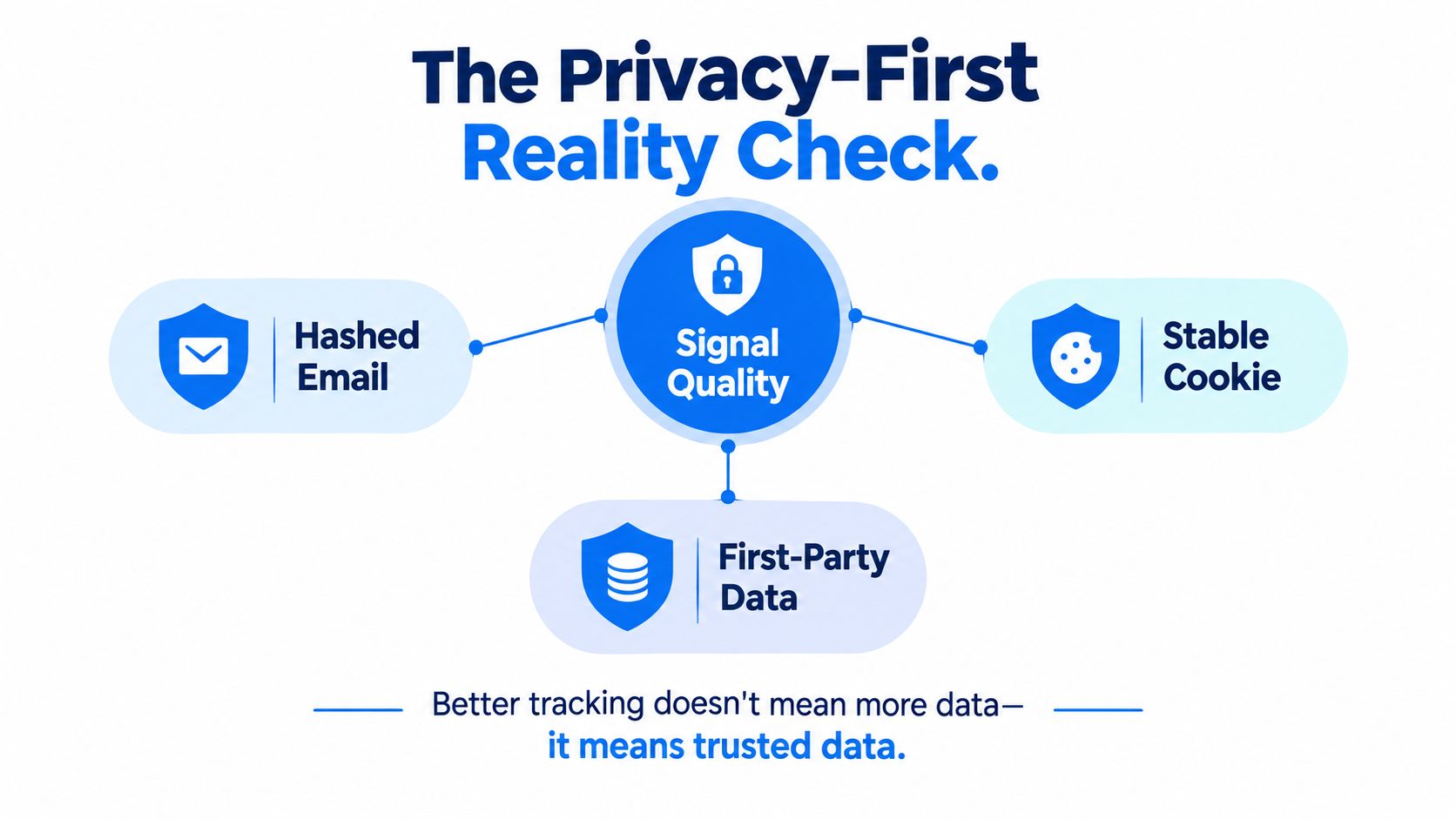
Better tracking doesn't mean collecting everything. It means sending cleaner, more trustworthy signals.
A conversion event with a hashed email, a stable cookie, and a valid consent timestamp is more useful than a pile of anonymous clicks because the platform can match it to a real person with more confidence. Server-side validation, consent handling, and deduplication all support that signal quality, and that's what helps ad systems trust the event enough to optimize delivery.
Signal quality beats raw volume
This is the part many owners miss. A bigger pile of messy events can be worse than a smaller stream of clean ones. If the data is polluted by bots, duplicate records, or unconsented traffic, the platform may learn from the wrong signals and spend into the wrong audience.
Recent 2026 coverage around privacy-first analytics keeps pointing in the same direction, which is that businesses need cookieless attribution, consent-aware measurement, and server-side capabilities to judge conversion credibility under privacy constraints privacy-first conversion tracking coverage. That doesn't mean every business needs the same stack. It does mean the old assumption, more tracked events equals better measurement, no longer holds.
A regional retailer may be better off with a tightly governed event stream than with a bloated one that looks impressive on paper. The smaller stream may be easier to reconcile against backend records, which gives the owner more confidence in the reported numbers.
The standard is trust. If the event can't be validated, matched, and reconciled, it doesn't deserve to steer ad spend.
Turning Tracking Signals Into Better Ad Decisions
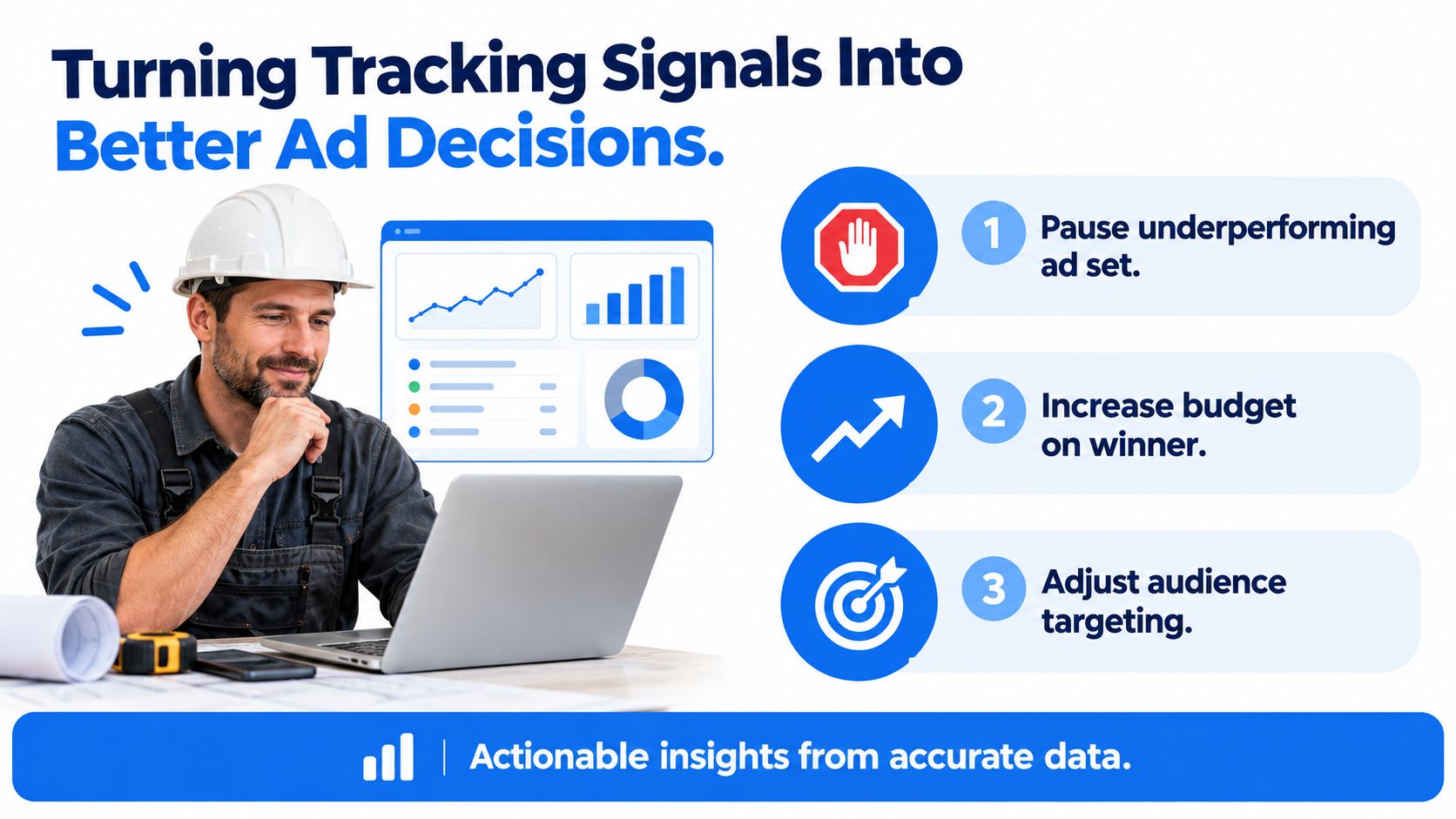
A local business owner usually does not need more charts. They need a reason to trust the numbers enough to shift ad spend with confidence.
The report becomes a budget move
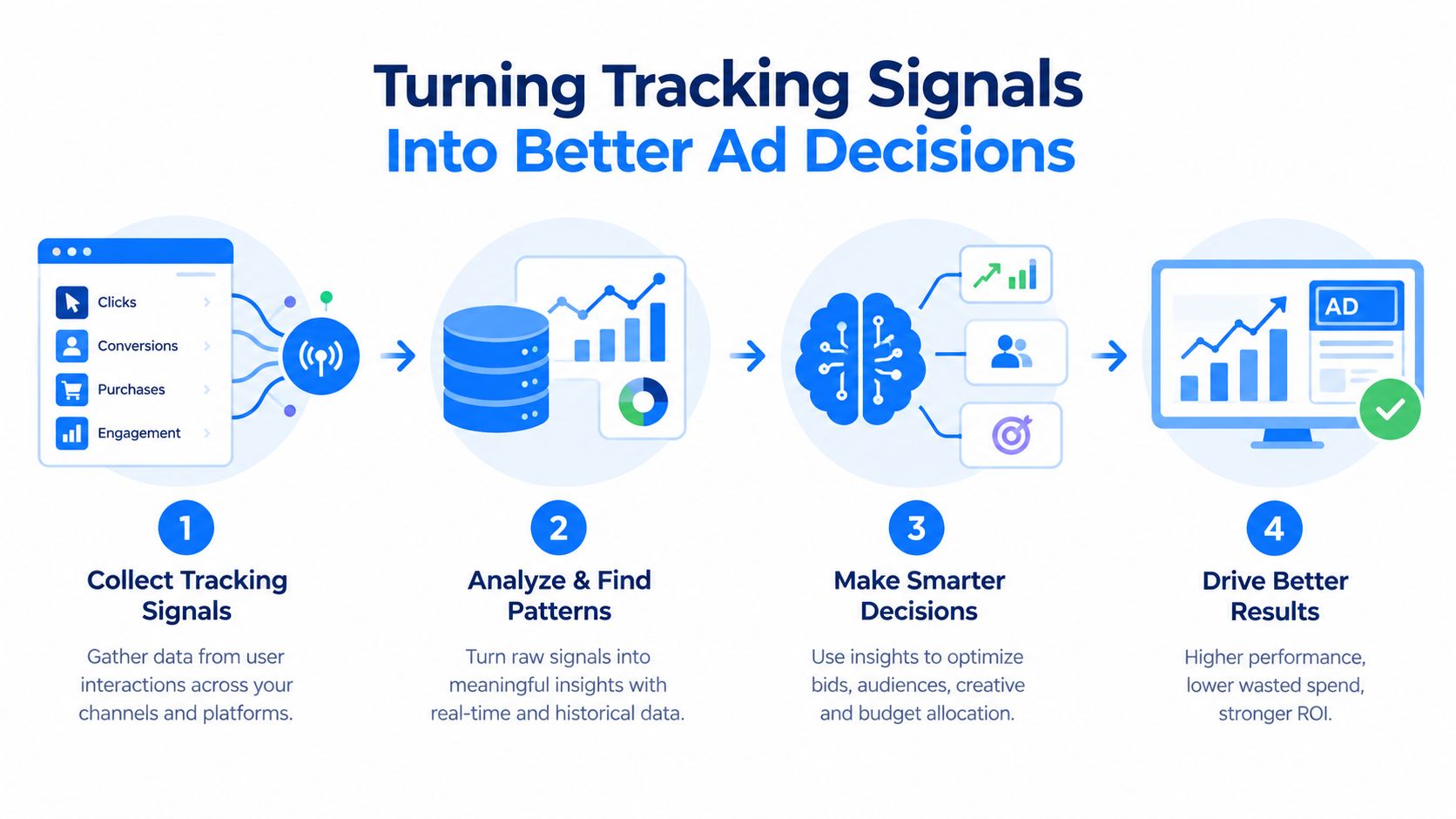
Once conversion tracking is reliable, the report stops being a scorecard and starts acting like a routing guide for budget. If Facebook brings more form fills but Google Local Services brings better booked jobs, the better job source deserves more spend.
That same logic helps when offline revenue is tied back to the original click. Some keywords attract the wrong kind of lead, and that problem often stays hidden until CRM records show which calls or forms turned into real work. Once that connection is visible, low-value traffic can be removed instead of draining the budget.
Sale values can also be sent back into the ad platform so bidding learns from revenue, not just lead count. That gives the system a clearer picture of which conversions deserve more delivery.
For a wider view of how these signals fit into the full ad stack, see this overview of ad tracking software.
Practical rule: if the report cannot change a real decision, the tracking is not doing enough work.
BenjiAds is one option in this space. It builds and manages local ad campaigns, landing funnels, server-side and client-side tracking, and SMS follow-up for home service businesses, so owners can see which ads bring in customers and respond to leads without stitching together separate tools.
If you want clearer tracking and ad numbers you can act on, visit benjiads and see how local campaign tracking, funnel setup, and follow-up can fit together in one workflow. If your current dashboards disagree, BenjiAds can help you tighten the chain so you are spending against real conversions, not guesswork.
- conversion tracking software
- server-side tracking
- ad attribution
- CRM integration
- Meta CAPI
Done for you
Ads that text you customers.
- ✓ Ads created for you
- ✓ Every lead texts your phone
- ✓ Free to use, no credit card
748+ local businesses run ads with benjiads