ad creative ai free 19 min read
10 Ad Creative AI Free Tools for Local Services
Compare 10 ad creative ai free tools for local services, from image and copy generators to video makers, with use cases, limits, and setup advice.
On this page
- 1. BenjiAds
- 2. AdCreative.ai
- 3. Predis.ai
- 4. Adobe Express with Firefly generative AI
- 5. Canva with Magic Design and Magic Studio
- 6. Microsoft Designer
- 7. InVideo AI
- 8. Lumen5
- 9. Kapwing with AI Ad Generator
- 10. Renderforest
- Top 10 Free Ad Creative AI Tools, Comparison
- Choose the Smallest Stack That Gets Leads
A local service owner needs a credible ad by the end of the day. The offer is clear, the phone is ready, but there's no designer, no media buyer, and no spare afternoon for learning another complicated platform. A generic stock image and rushed headline might get published, but they won't necessarily make the business look trustworthy or bring in qualified inquiries.
That's where ad creative AI free tools can help, but only if you separate asset production from campaign execution. Some tools generate static images and layouts. Others turn scripts into short videos or produce multiple copy variations. A smaller group connects creative with campaigns, landing pages, tracking, and lead follow-up.
The practical test for every resource is simple: what can it produce, where does it fit in a local advertising workflow, and what does “free” mean? A free plan may be useful for prototypes but unsuitable for clean exports. A trial may create impressive variations but stop before a real campaign is ready. And no creative tool, however polished, answers the phone, qualifies the lead, or follows up after a missed call.
Generative AI has already moved into everyday advertising workflows. IAB's advertising analysis cites adoption rising from 17% in 2022 to 55% in 2024, while advertisers most often used AI for social media and display ads. The list below focuses on what local businesses can do with each tool.
1. BenjiAds
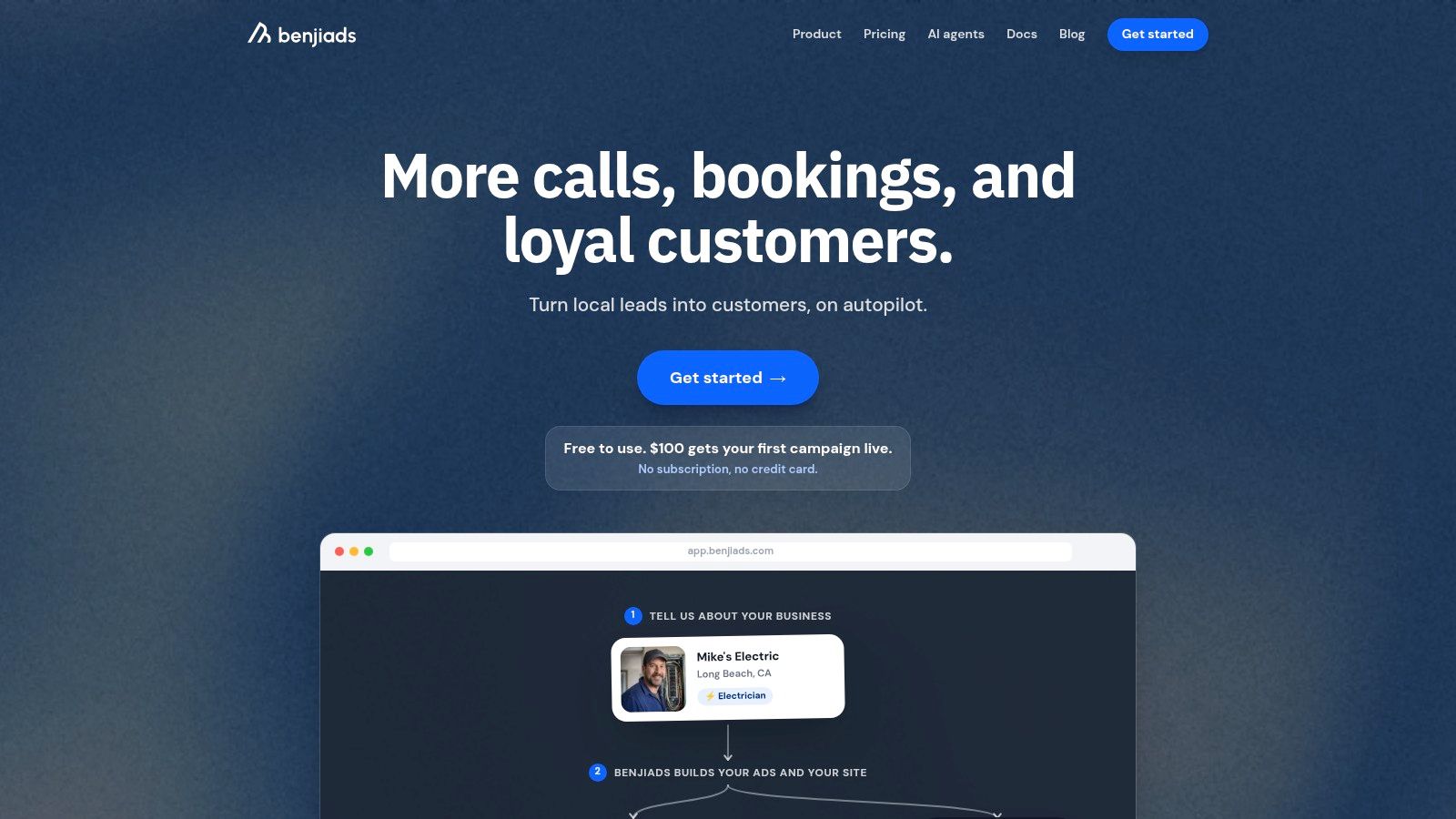
BenjiAds is the strongest option here when the job isn't just creating an ad, but turning that ad into a working local lead campaign. The platform generates trade-specific ad copy and images, prepares Facebook and Instagram campaigns, hosts a branded landing funnel, installs conversion tracking, and sends new inquiries by text.
After a short intake, an electrician, plumber, cleaner, dentist, or landscaper can review prepared creative instead of building every asset from scratch. The campaign remains paused until approval, which matters when a generated headline makes a claim the business can't support or an image doesn't reflect the actual service.
Where it fits
The main distinction is that BenjiAds automates work normally handled across several marketing tools. It can connect the creative to a trade-branded landing page, client-side and server-side conversion tracking, and SMS or iMessage follow-up. Leads arrive with phone verification and accessible contact details, rather than disappearing into a masked platform inbox.
The software uses a wallet model rather than a monthly subscription. Businesses pay ad spend plus a flat 20% management fee, and the first campaign can be launched with $100, according to the BenjiAds platform information. The business still approves the campaign, checks the offer, answers inquiries, and delivers the service. Automation reduces setup and follow-up work, but it doesn't replace operational responsiveness.
Practical rule: If your problem is only “I need an image,” use a design tool. If your problem is “I need approved creative, a campaign, tracking, and follow-up,” use an end-to-end system.
BenjiAds is primarily built around Facebook and Instagram, so businesses that need Google Ads, local SEO, or broader channel coverage may need complementary tools. Results and lead costs also vary by trade, location, offer, and competition. The reported average phone-verified lead cost is around $7 across local campaigns, with planning guidance of roughly $10 to $15 depending on trade and market, as described in the provided BenjiAds product information. Treat those figures as planning references, not guarantees.
2. AdCreative.ai
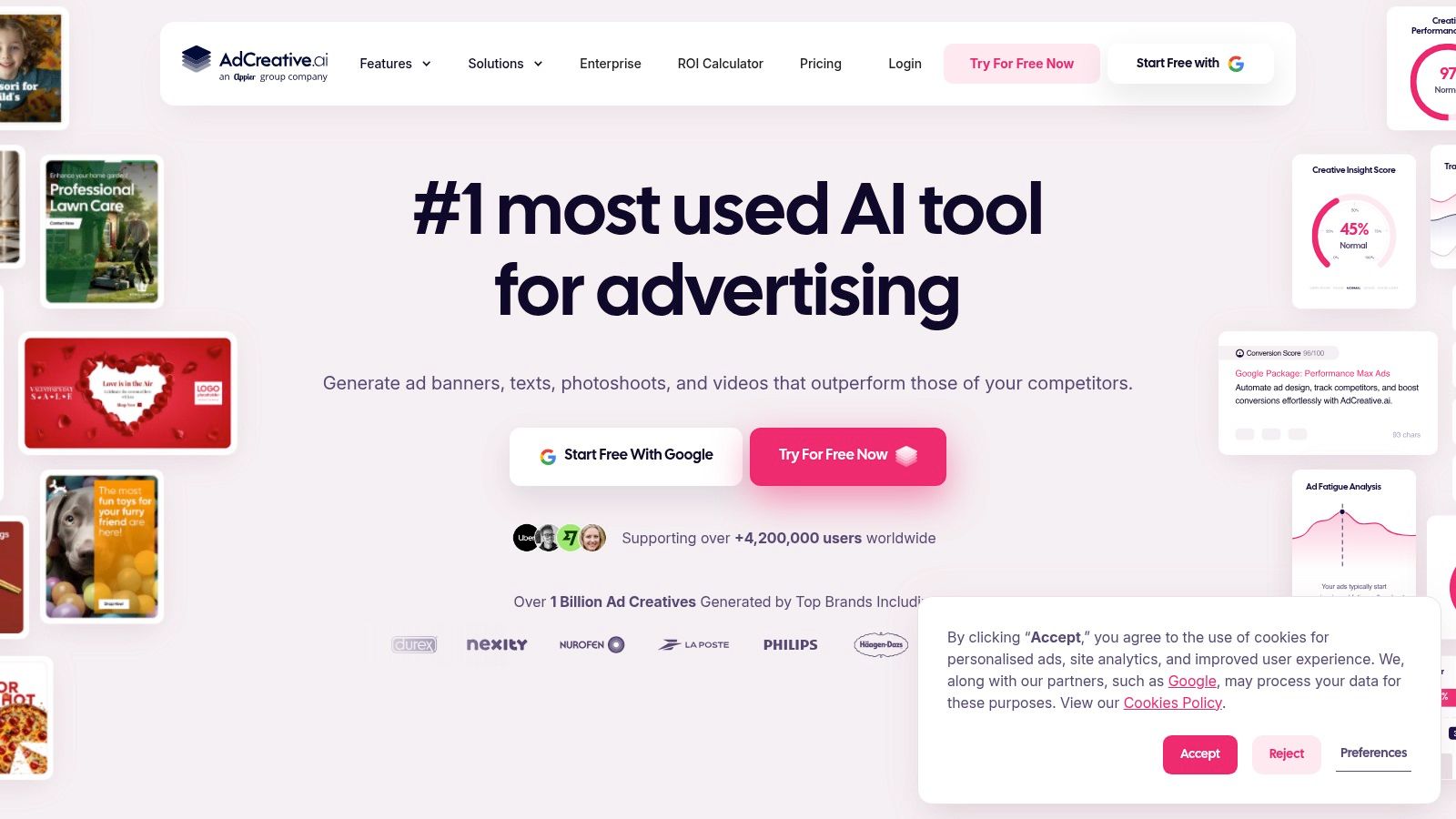
AdCreative.ai is built for the advertiser who already has campaign infrastructure and needs a steady supply of static variations. Give it a product, service, offer, or visual direction and it can produce social and display ad concepts with headlines, descriptions, and multiple layout options.
For a local roofer, that might mean testing a storm-damage angle against a roof-maintenance angle. For a dental practice, it could create separate concepts around consultations, cosmetic services, or appointment availability. The value is speed and volume, not necessarily a finished brand system.
What works and what doesn't
The platform supports multiple ad sizes and can help prepare assets for placements across Meta, Google, and other networks. Its AI scoring feature can help prioritize concepts before a business spends time exporting every version. That score should be treated as a sorting aid, not proof that an ad will generate quality calls.
The main weakness is sameness. Automated layouts can feel polished while still resembling hundreds of other AI-generated ads. A local business should replace generic imagery with real team, vehicle, property, or completed-job photos where possible. It should also rewrite claims that imply guaranteed savings, instant availability, or outcomes the business can't substantiate.
Free access is the point to inspect carefully. The current overview of free AI ad creative tools describes AdCreative.ai's free trial as limited to 10 credits, with paid plans beginning at $29 to $39 per month depending on the product surface. That makes it useful for testing the workflow, but not automatically a permanent free production system.
For a broader explanation of how generated concepts fit into campaign work, see this guide to AI ad creative generation. Use AdCreative.ai when variant production is the bottleneck. Don't use it as a substitute for audience selection, landing-page testing, lead response, or actual conversion data.
3. Predis.ai
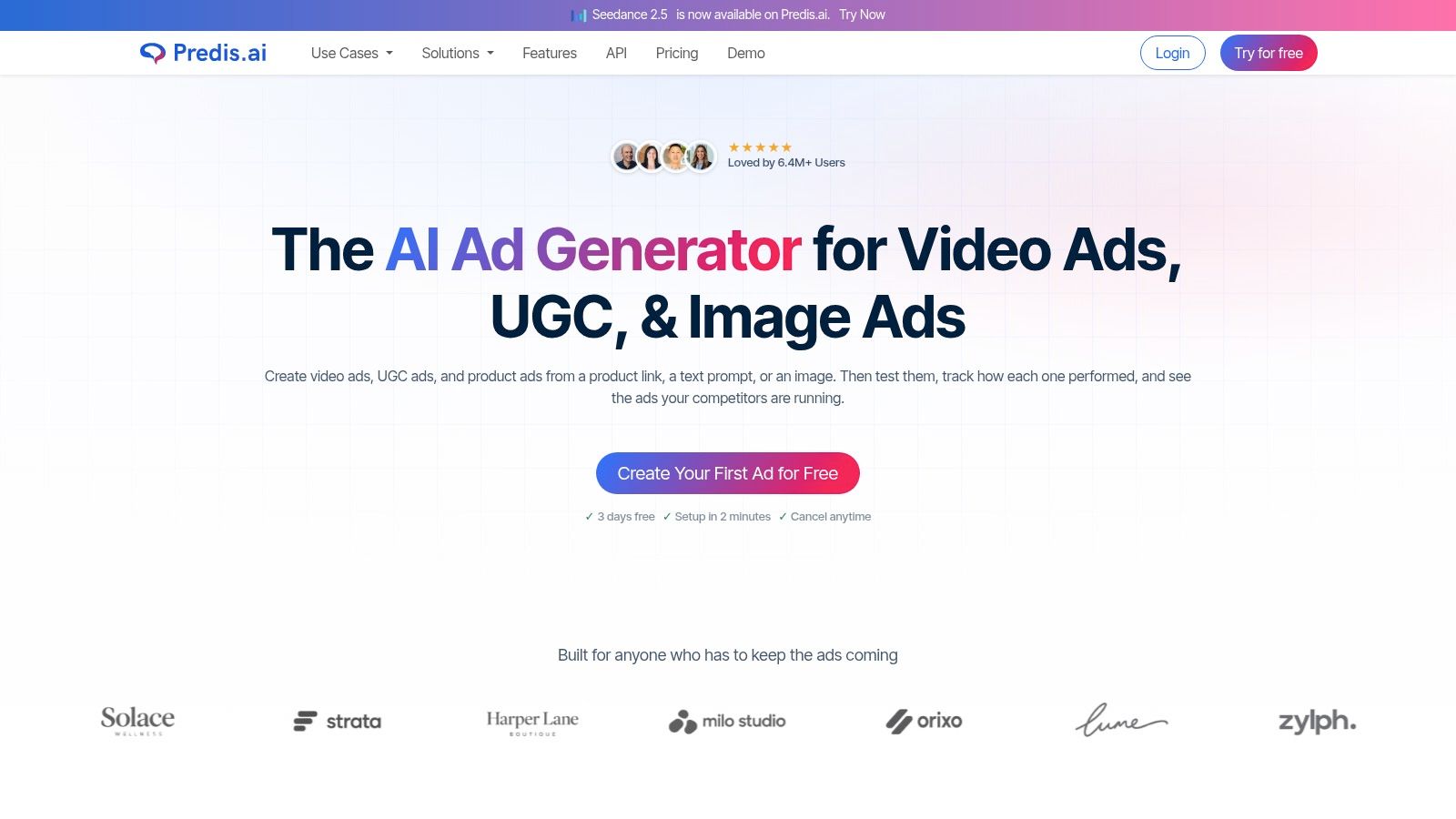
Predis.ai is most useful when the source material already exists online. A product URL, service description, or prompt can become a package of visuals, captions, calls to action, carousels, and short videos. Its brand-kit features can apply colors, fonts, and logos across the output, reducing repetitive formatting.
That workflow suits a local business with a service catalogue or a strong website. A salon can turn individual treatments into social ad concepts. An auto-detailing business can use service pages to create before-and-after-style promotions, provided it supplies truthful images and avoids implying that every customer receives identical results.
The local-service limitation
Predis.ai's URL-to-ad approach is particularly natural for product catalogues and ecommerce workflows, including connections with platforms such as Shopify, WooCommerce, and Wix. Local services don't always have a clean product feed, so the owner may need to provide structured inputs manually: service name, location, offer, proof point, booking action, and restrictions.
The first draft can save time, but it still needs human editing. AI may select a vague benefit, combine unrelated services, or write copy that sounds appropriate for a product rather than a person choosing a nearby provider. A plumber needs clear service and response language, not a decorative caption that could belong to any home-services company.
The free question is also important. Predis.ai's current positioning leans toward trial access rather than an unlimited permanent free workflow, so check export and generation limits before planning a recurring campaign. The BenjiAds overview of AI marketing tools is useful background when deciding whether a creative generator is enough or whether the campaign needs a connected advertising system.
Predis.ai works best as a central creative workspace for repeated variants. It works less well when the business expects a URL alone to understand local trust, service area, urgency, and lead-handling capacity.
4. Adobe Express with Firefly generative AI
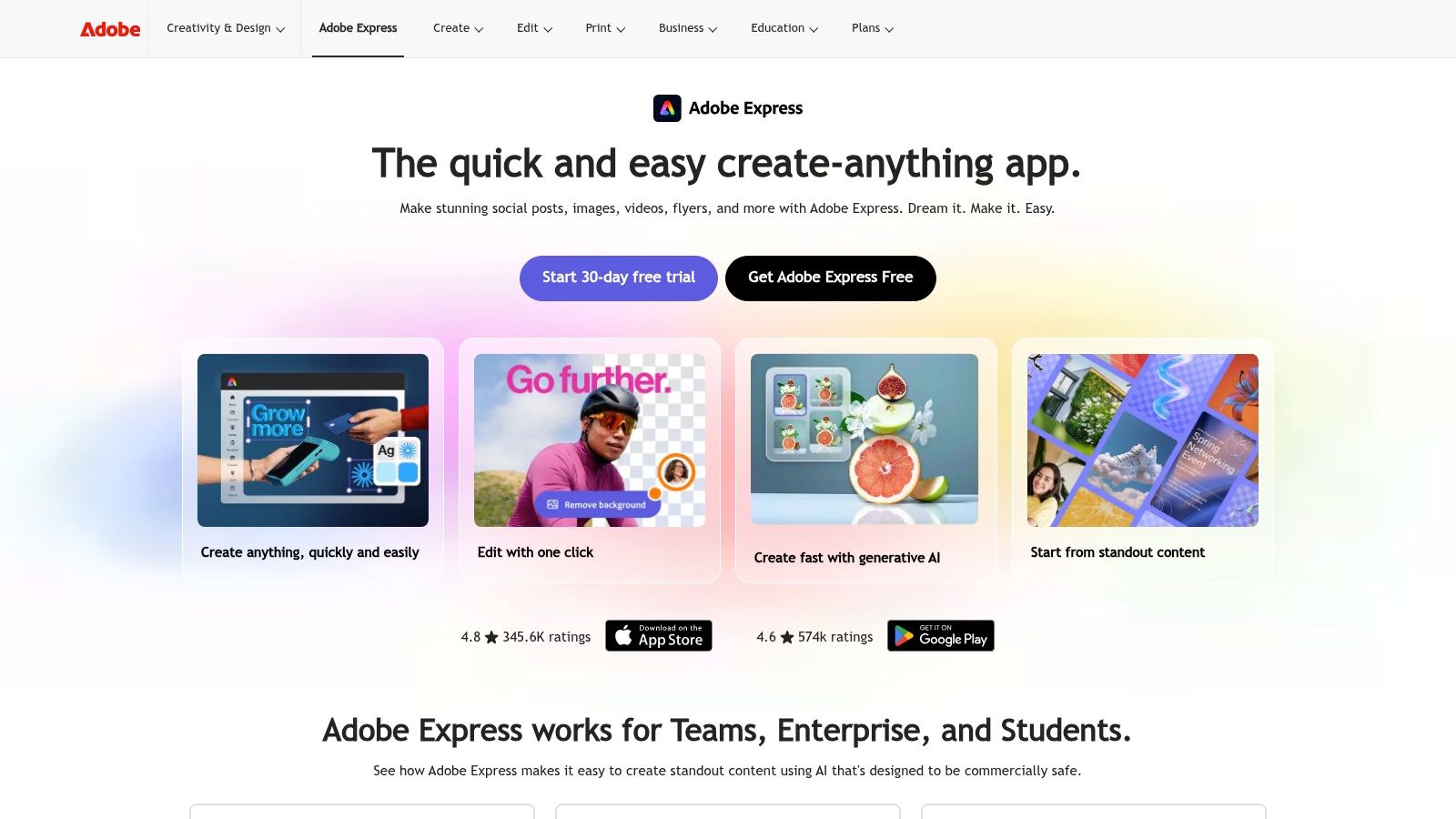
Adobe Express is a practical choice for an owner who wants AI assistance without giving up manual control. It combines templates for social posts and ads with Firefly tools for text-to-image generation, generative fill, object removal, quick resizing, and simple video editing.
A local photographer can create a seasonal promotion around real portfolio work. A cleaning company can remove a distracting background from a team image, add a clear service-area message, and adapt the design for different placements. The template system is polished enough for fast work, but the user can still adjust typography, spacing, imagery, and calls to action directly.
Free access and brand control
Adobe's Free plan includes core features, but generative AI usage is credit-metered. Premium stock, templates, and some advanced capabilities require an upgrade. That makes the free version suitable for concept development and occasional production, not necessarily unlimited daily asset generation.
Firefly also gives businesses a clearer licensing story than many unknown image generators. Adobe states that its commercial-use Firefly models are trained with licensed data, but the business should still review the applicable terms and inspect every output. Licensing clarity doesn't solve inaccurate service claims, unrealistic equipment, or visual details that misrepresent the business.
Adobe Express is strongest when the owner has real assets and wants to turn them into consistent ad formats. It's less useful when the need is campaign setup, lead tracking, or automated follow-up. Adobe's 2024 creative-professional survey found that 83% of creative professionals were already using generative AI tools in their work, a sign that tools like this have moved beyond novelty. The statistic doesn't mean every generated design is ready to publish. Review remains essential.
5. Canva with Magic Design and Magic Studio
Canva is often the quickest route from a rough idea to a usable static ad. Magic Design can suggest layouts from a prompt or uploaded asset, while Magic Write can help draft headlines, descriptions, and calls to action. Its large template library also makes it easy to create a family of related assets rather than one isolated graphic.
A local gym might start with a real trainer photo, add a location-specific offer, and generate several visual directions. A wedding photographer can create a clean consultation promotion from existing portfolio images. A landscaping professional can prepare square, vertical, and story-friendly versions without rebuilding each layout manually.
A fast drafting tool, not an approval system
The Free plan provides limited AI usage. Some templates, stock assets, brand-kit features, and export capabilities are Pro-only, so a design that looks complete in the editor may not be usable without an upgrade. Check the final export before building a campaign around a premium element.
Canva's advantage is editable structure. Instead of accepting a finished AI image, the owner can replace the background, change the offer, move the logo, and remove decorative elements that make the ad look generic. That manual step is where local relevance usually improves.
Brand check: A generated ad should identify the service, location, customer problem, and next action without forcing the viewer to decode the design.
Use Canva for rapid static concepts and lightweight video drafts. Don't judge a design only by how attractive it looks in the editor. The important question is whether the creative makes a specific promise that the landing page and sales process can support. This explanation of ad creative helps distinguish the asset itself from the wider campaign that gives it a job.
6. Microsoft Designer
Microsoft Designer is a straightforward browser-based option for turning a prompt into social or advertising graphics. It can generate multiple layout ideas, suggest captions and hashtags, and help resize a concept for different placements. A Microsoft account is enough to start experimenting, which makes the tool accessible to a small business owner who doesn't want to learn a full design suite.
The best use is quick concept development. A handyman can prompt for a seasonal repair promotion, then replace the generated image with a real photo of the team or completed work. A salon can test several headline directions before choosing one to polish manually.
Where it falls short
Designer is easier to approach than a professional design application, but it offers fewer deep brand controls than Adobe Express or Canva. Library, collaboration, and asset-management capabilities are also more limited than those found in larger creative ecosystems.
That simplicity can be an advantage for a one-person operation. The owner can create a few directions quickly, choose one clear message, and finish the asset without opening several tools. It becomes a weakness when a business needs a large organized library, detailed brand governance, or a repeatable team approval process.
Use real local inputs in the prompt. Include the service, customer situation, service area, preferred tone, and action. Then inspect phone numbers, spelling, logos, hands, tools, uniforms, and claims before export. Microsoft Designer is useful for free concept work, but it doesn't publish campaigns, capture leads, or tell you whether the resulting ad generated a profitable inquiry.
7. InVideo AI
InVideo AI is designed for short video production. A prompt or script can become a sequence of stock clips, voiceover, captions, and scene transitions, with versions adapted to common vertical and horizontal formats. That makes it a practical starting point for Reels, TikTok-style ads, and YouTube Shorts.
A local HVAC company could turn a simple script into a problem-solution video: warning signs, the service offered, the service area, and a booking action. An auto shop could combine real workshop footage with captions explaining an inspection process. The first draft creates momentum, especially for an owner who doesn't edit video.
Watch the free export
The free tier or trial is limited by credits, watermarks, or both, and the interface changes as the product evolves. A watermarked draft may be fine for internal review, but it usually isn't the right final asset for a paid campaign. Confirm current export conditions before writing a production process around the free plan.
Stock footage can also create a credibility problem. A customer may notice that the “local” business ad shows an immaculate, unrelated home, a different type of equipment, or a technician who doesn't work for the company. Use the AI draft as a storyboard, then replace important scenes with real footage wherever possible.
InVideo AI is strongest when video production is the bottleneck and the business can tolerate manual review. It isn't a substitute for a strong offer, a landing page that matches the script, or a response process that handles inquiries quickly.
8. Lumen5
Lumen5 takes written material and turns it into a scene-based video using stock media, captions, brand presets, and a simple editor. That makes it approachable for a non-editor who already has service descriptions, blog content, or a basic sales script.
A cleaning business could convert a service explanation into scenes covering the customer problem, the process, and the booking action. A photographer could turn a short package description into a caption-led video with portfolio images. The owner can edit each scene instead of dealing with a full non-linear editing timeline.
The Free plan is useful for learning the workflow and creating test videos, but exports have restrictions such as watermarks or lower resolution. Those limits matter for a local advertiser because the free version may help prove the concept without producing a final campaign-ready file.
Lumen5's simplicity is its central trade-off. It can organize a script into readable scenes quickly, but it doesn't provide the detailed timing, sound design, motion control, or footage refinement available in a more advanced editor. That's fine for a caption-first feed asset. It's less suitable for a polished testimonial or a visually demanding brand film.
Keep the script specific. Mention the service, customer problem, location, and action instead of asking for a vague “professional local business video.” Then check every caption for accuracy and make sure the voice and images represent the actual business.
9. Kapwing with AI Ad Generator
Kapwing combines browser-based editing with AI tools for scripts, storyboards, shot lists, subtitles, text-to-speech, and resizing. Its strongest local-service use case is a short, caption-led ad that needs to work with the sound off.
A contractor can start with a few sentences about a common customer problem, generate a storyboard, add real job photos or clips, and produce a vertical version for social feeds. A personal trainer can create multiple hooks from one offer and keep the same visual identity while changing the opening scene and call to action.
Useful free editing, limited final delivery
Kapwing's free-forever plan is useful for basic editing and some AI work. Free exports can still include watermarks or usage limits, and longer or heavier projects generally require a paid tier. The distinction is important: a free editor can be valuable even when a free final export isn't sufficient for advertising.
The subtitle pipeline is particularly practical for local campaigns. Captions let the viewer understand the offer without audio, but automatic subtitles still need a careful pass. Service names, street names, technical terms, and phone numbers are easy for speech-to-text tools to misread.
Production habit: Export a short test, watch it on a phone, and read every caption before spending media budget.
Kapwing works well as the finishing station after another tool supplies a script or concept. It doesn't manage the campaign, connect the creative to conversion tracking, or follow up with a missed lead. Those jobs remain outside the editor.
10. Renderforest
Renderforest brings together AI video and image generation, promotional templates, logo tools, and a simple editor. Its large template library makes it useful for trying several ad directions quickly, especially when a business has no footage and needs to visualize a concept before investing more time.
A local event planner can test an animated service promotion. A salon can explore a seasonal offer with branded colors. An auto-detailing business can create a rough transformation-style sequence, then decide whether real before-and-after footage would make the final ad more credible.
The Free plan allows prototyping and exports with watermarks. Premium models use credits, and advanced customization often requires a paid tier. That makes Renderforest a good sandbox for comparing concepts, but a less convincing answer when the requirement is a clean, recurring production workflow at no cost.
Its broad template selection can also encourage decorative advertising. Animation, transitions, and polished typography don't compensate for a weak offer or unclear next step. Keep the message simple, use the business's actual service details, and replace generic imagery when trust depends on seeing the actual team, vehicle, property, or result.
Renderforest is best for early-stage video and motion concepts. Use it to decide what deserves a more authentic shoot or a stronger editing pass, not to assume that a templated video will generate qualified local leads by itself.
Top 10 Free Ad Creative AI Tools, Comparison
benjiads 🏆
- Core Offering
- Automated FB/IG ads + landing funnels + SMS follow-up
- Key Differentiator ✨
- Trade-specific templates, server+client tracking, AI assistant & approval workflow ✨
- Quality ★
- ★★★★★ Daily plain‑English reports
- Pricing 💰
- 💰 20% mgmt fee + ad spend; $100 to launch
- Target 👥
- 👥 Local trades (plumbers, electricians, HVAC, dentists…)
AdCreative.ai
- Core Offering
- AI-generated ad images & copy at scale
- Key Differentiator ✨
- AI score for predicted performance; rapid multi‑variant output ✨
- Quality ★
- ★★★★ Good for creative testing
- Pricing 💰
- 💰 Subscription / credits
- Target 👥
- 👥 Marketers needing many ad variants
Predis.ai
- Core Offering
- URL → visuals, copy, carousels & short videos
- Key Differentiator ✨
- Catalog & brand‑kit integration for product ads ✨
- Quality ★
- ★★★★ E‑commerce ad workflows
- Pricing 💰
- 💰 Paid plans; trial
- Target 👥
- 👥 E‑commerce stores, Shopify/Woo/Wix merchants
Adobe Express (Firefly)
- Core Offering
- Design suite with generative AI for ads & short video
- Key Differentiator ✨
- Commercial-use Firefly models + polished templates & brand controls ✨
- Quality ★
- ★★★★ Professional templates & licensing
- Pricing 💰
- 💰 Free tier; premium assets require upgrade
- Target 👥
- 👥 Small businesses, designers, social teams
Canva (Magic Design)
- Core Offering
- Template-rich design + AI drafts & auto-resize
- Key Differentiator ✨
- Massive template ecosystem; fast on‑brand mockups ✨
- Quality ★
- ★★★★ Extremely quick for drafts
- Pricing 💰
- 💰 Free & Pro subscriptions
- Target 👥
- 👥 Non‑designers, social marketers
Microsoft Designer
- Core Offering
- Prompt-to-design layouts, captions, variations
- Key Differentiator ✨
- Free with Microsoft account; rapid concepting ✨
- Quality ★
- ★★★ Lightweight, easy to use
- Pricing 💰
- 💰 Free (Microsoft account)
- Target 👥
- 👥 Casual creators & MS users
InVideo AI
- Core Offering
- Script/prompt → short video ads with stock & voiceovers
- Key Differentiator ✨
- Fast short‑ad production + aspect‑ratio variants ✨
- Quality ★
- ★★★★ Good for TikTok/Reels/Shorts tests
- Pricing 💰
- 💰 Freemium; credits/watermark limits
- Target 👥
- 👥 Social video advertisers, creators
Lumen5
- Core Offering
- Text-to-video with stock clips, captions & editor
- Key Differentiator ✨
- True free plan for simple video ad workflows ✨
- Quality ★
- ★★★ Very simple for non‑editors
- Pricing 💰
- 💰 Free plan; paid for HD/remove watermark
- Target 👥
- 👥 Content creators testing video ads
Kapwing (AI Ad Generator)
- Core Offering
- Browser video editor with AI scripts, storyboards & captions
- Key Differentiator ✨
- Strong subtitle/caption pipeline + team collaboration ✨
- Quality ★
- ★★★ Practical free plan
- Pricing 💰
- 💰 Free & paid tiers; export limits
- Target 👥
- 👥 Small teams, social editors
Renderforest
- Core Offering
- All‑in‑one creative suite: AI video, images & templates
- Key Differentiator ✨
- Large library of promo templates & animations ✨
- Quality ★
- ★★★ Fast prototyping (free exports watermarked)
- Pricing 💰
- 💰 Free w/ watermark; credits for premium
- Target 👥
- 👥 Small businesses prototyping ads
Choose the Smallest Stack That Gets Leads
The right choice depends on the job you need done, not on which tool has the longest feature list. For fast static concepts, Microsoft Designer, Canva, and Adobe Express are the easiest starting points. Designer keeps the workflow simple. Canva offers a broad template ecosystem and quick iteration. Adobe Express gives stronger design controls and a clearer commercial-use story around Firefly, while still keeping the interface accessible.
Choose InVideo AI, Lumen5, Kapwing, or Renderforest when short video is the priority. InVideo AI is useful for prompt-to-video volume. Lumen5 suits script-to-scene workflows for non-editors. Kapwing is particularly practical when subtitles, resizing, and browser editing matter. Renderforest is helpful for testing motion concepts and template directions, although watermarked free exports limit its role in final campaigns.
Consider AdCreative.ai or Predis.ai when the central problem is variant volume. AdCreative.ai is oriented toward static ad combinations, placement formats, and prioritization. Predis.ai is more natural when a website, catalogue, or structured source can feed the creative workflow. Neither tool should be trusted to make unreviewed claims about availability, pricing, service areas, or results.
Choose BenjiAds when the requirement extends beyond making an asset. It connects approved creative with Facebook and Instagram campaign setup, a hosted landing funnel, client-side and server-side tracking, plain-English reporting, and SMS or iMessage follow-up. That matters because a creative generator can produce an attractive ad while leaving the business to solve targeting, attribution, lead capture, and response speed separately.
A practical workflow looks like this:
- Define one local offer: Choose one service, customer problem, service area, and next action. Don't ask one ad to sell every service the business provides.
- Create distinct hooks: Produce several distinctly different angles, such as urgency, trust, convenience, seasonal need, or a specific trade problem. Changing only the background color isn't meaningful testing.
- Use real business inputs: Add actual team photos, vehicles, equipment, reviews where permitted, service areas, and truthful project images. Replace generic AI scenes when they could mislead a customer.
- Review every claim: Check prices, guarantees, availability, qualifications, location names, phone numbers, captions, and landing-page wording manually.
- Export the right placements: Prepare the creative for the feed, story, reel, or display placement where it will run. Don't assume one crop works everywhere.
- Connect the campaign: Match the headline and offer to the landing page. Install tracking, define the conversion action, and make sure inquiries reach a person.
- Measure inquiries, not appearance: A visually impressive ad isn't necessarily a useful ad. Judge creative by qualified calls, messages, booked appointments, and lead quality.
The broader industry direction supports this distinction. IAB Europe's survey of digital advertising professionals found that 91% were already using or experimenting with generative AI, while 89% wanted more training. Adoption is widespread, but operational judgment still separates a usable workflow from a pile of automatically generated assets.
More variations can help identify a stronger message, but more variations can also create a collection of lookalike ads. Local businesses need distinctiveness, accurate trust signals, and fast follow-up as much as they need production speed. Start with the smallest stack that can make, launch, measure, and respond to one real offer.
BenjiAds goes beyond free ad creative generation by preparing local-service campaigns, landing funnels, conversion tracking, approved Facebook and Instagram ads, and SMS-based lead follow-up in one workflow. If you want to turn generated creative into a managed lead campaign without building the entire stack yourself, visit benjiads.
- ad creative ai free
- AI ad tools
- local service marketing
- ad creative tools
- AI ad copy
Done for you
Ads that text you customers.
- ✓ Ads created for you
- ✓ Every lead texts your phone
- ✓ Free to use, no credit card
748+ local businesses run ads with benjiads