local lead generation software 10 min read
Local Lead Generation Software: Features, Tools, and Costs
Explore local lead generation software features, trade-specific templates, tracking, and pricing to boost bookings for local service businesses.
On this page
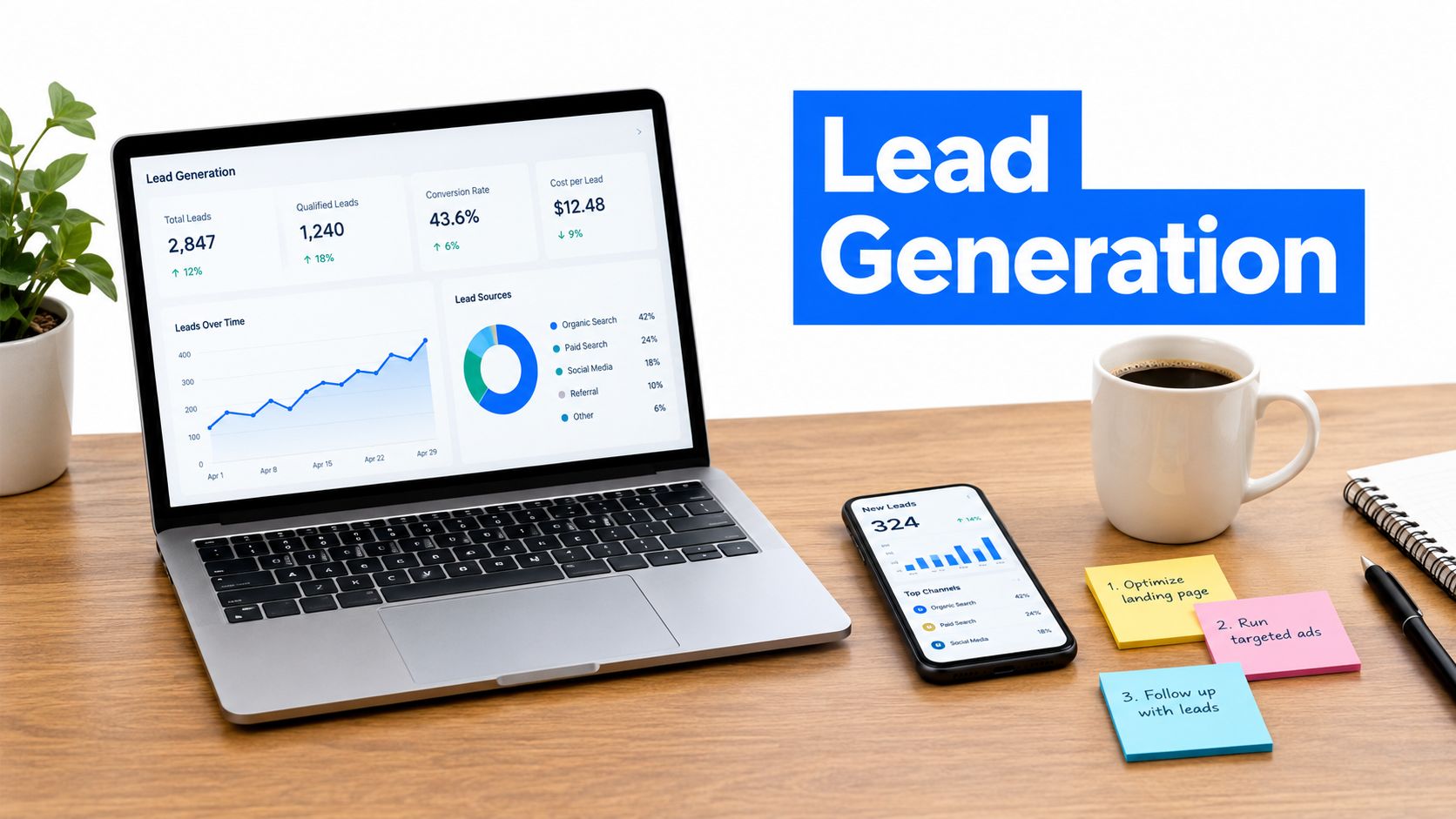
46% of Google searches are local, 76% of local searchers contact a business directly from search results, and 88% of local-service searches end in a call or visit within 24 hours. The best local lead generation software closes the gap between ad clicks and booked jobs with ad automation, instant SMS follow-up, and clear tracking.
You already know the pain. A form comes in while you're on a roof, in a crawl space, or driving between jobs, and by the time someone calls back, the lead's gone cold or booked someone else. That's not a traffic problem, it's an operations problem, and it gets expensive fast when the workday is full but the inbox is still leaking opportunities.
The High Cost of Missed Connections
A missed lead rarely feels dramatic in the moment. It's one missed call, one reply you send an hour too late, one quote request that sits until after lunch because you're working a job site. Then you realize the customer already hired the first business that answered.
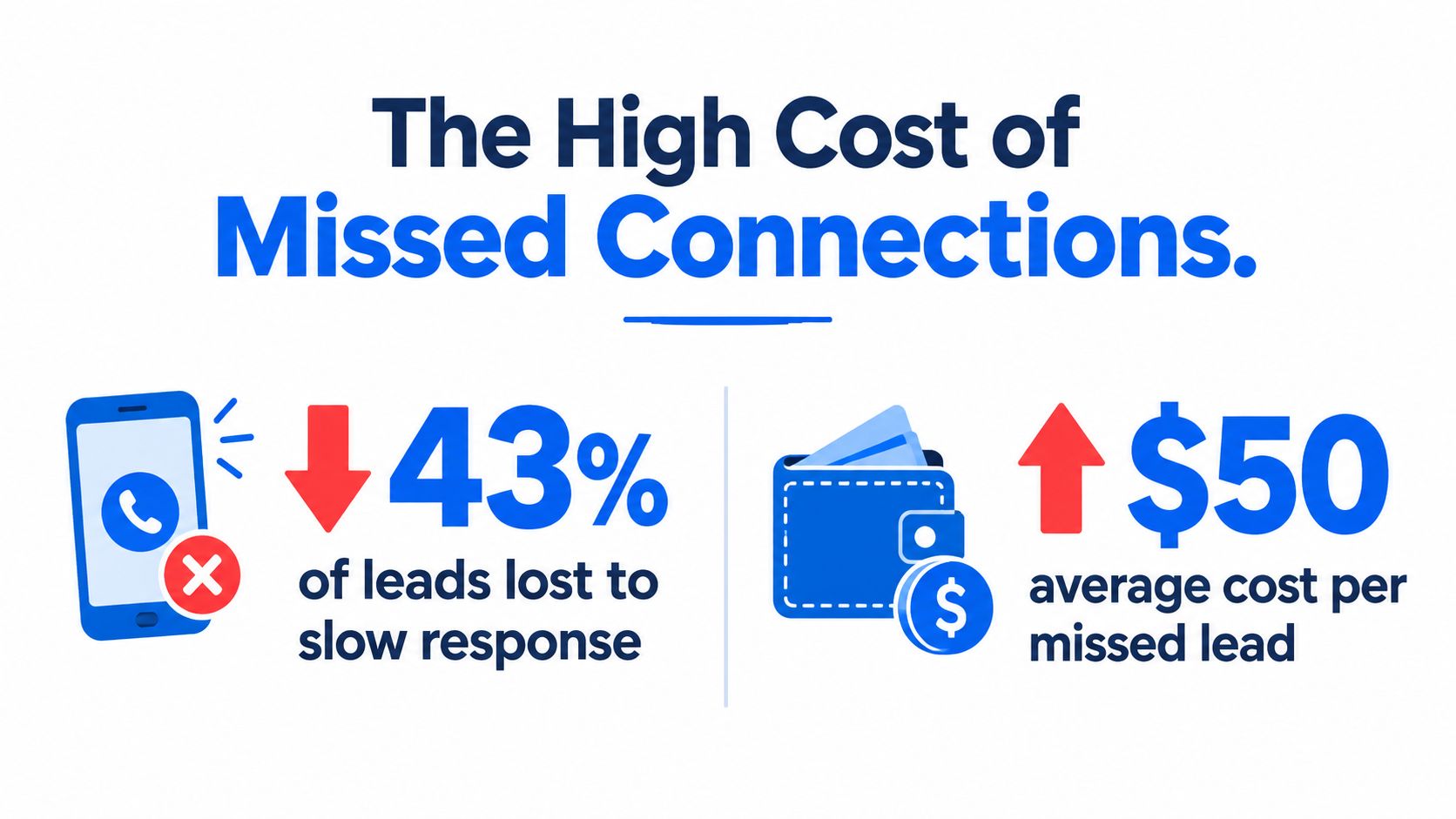
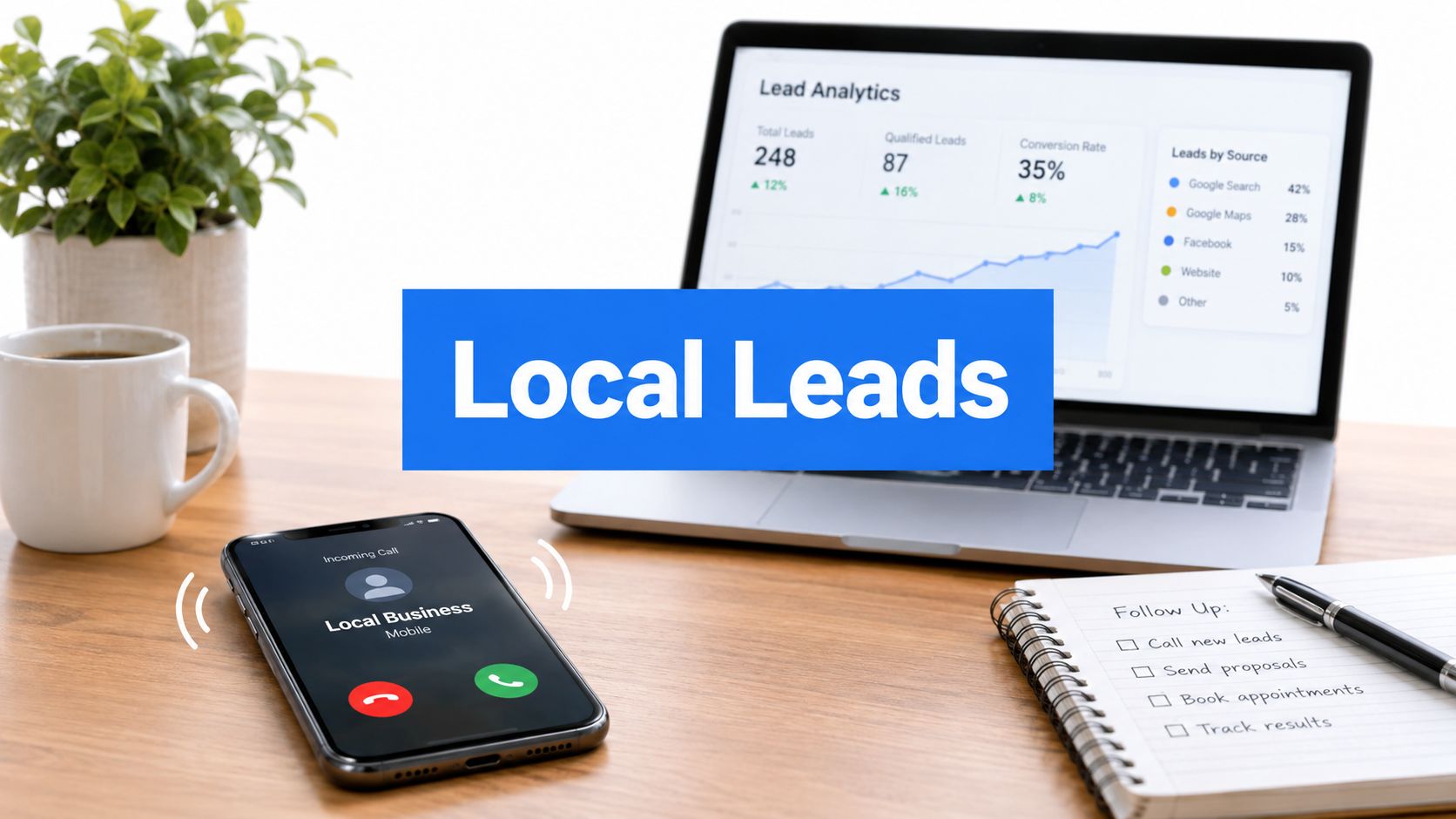
The local search environment makes that delay hurt even more. One industry summary says 46% of Google searches are local, 76% of local searchers contact a business directly from search results, and 88% of searches for local services result in a call or visit within 24 hours, which is why the first response matters so much in trades and home services. That same reality explains why a lead-gen system can't stop at the ad click, it has to keep moving through the handoff, the follow-up, and the booking step.
A lead isn't valuable when it arrives. It's valuable when it's answered.
Manual handling creates hidden costs most owners don't track. Someone has to monitor forms, listen to voicemails, sort out duplicate inquiries, update the CRM, send the first text, and remember who already asked for a quote. That work steals hours from field time, and it also creates gaps where leads sit untouched long enough to decay.
For that reason, the practical fix isn't “work harder on follow-up.” It's software that turns the first touch into a workflow. A system that launches the campaign, captures the lead, texts instantly, and records the outcome is much better suited to local service demand than a stack of disconnected tools, especially when the customer is comparing nearby options and expects a fast reply. Speed to lead matters more than most owners want to admit.
Core Features That Drive Bookings
The tools that matter most aren't the ones with the longest feature list. They're the ones that reduce handoff friction between the ad, the lead, and the booked appointment. In practice, that usually means four things working together instead of separately.
Creative, campaign setup, tracking, and follow-up
The first pillar is creative generation. Good local lead generation software should help produce ad copy and visuals that fit the trade, the offer, and the area. A plumber's ad needs a different angle from a cleaner's or an electrician's, because the problem, urgency, and buying trigger are different.
The second pillar is campaign setup and launch. You want a workflow that can build and publish campaigns on Meta and Google without making you rebuild the same assets in three places. That matters because local advertisers don't need more tabs open, they need fewer decisions between the idea and the live ad.
The third pillar is tracking and attribution. Modern measurement needs both server-side event capture and client-side signals because browser-only reporting leaves too many gaps. A production-grade setup should reconcile backend events, CRM validation, and ad-platform delivery so you can see which leads are real, which ones booked, and which campaigns deserve more budget. That tracking approach is the difference between guessing and managing by outcome.
The fourth pillar is automated SMS follow-up. Many tools fall apart here. They either send one generic text too late, or they make you manually chase every inquiry. Strong software should trigger the text immediately after the lead is validated, because the response window is short and the customer's intent is highest right after contact.
A useful way to judge a platform is simple:
- Does it launch real campaigns, or just organize drafts?
- Does it track back to the source of the lead, or only show form fills?
- Does it text the lead right away, or leave follow-up to your staff?
- Does it help you book jobs, or just count inquiries?
That last question is the one that separates a marketing toy from a revenue system. If the software doesn't shorten the path from click to conversation, it isn't doing enough of the work that local service businesses need.
Trade-Specific Templates and Customization
Generic templates usually fail for the same reason generic ads fail. They don't sound like they belong to the trade, the neighborhood, or the problem the customer is trying to solve. A homeowner looking for emergency electrical work doesn't react the same way as someone shopping for lawn care, so the message, visual, and landing flow have to match the intent.
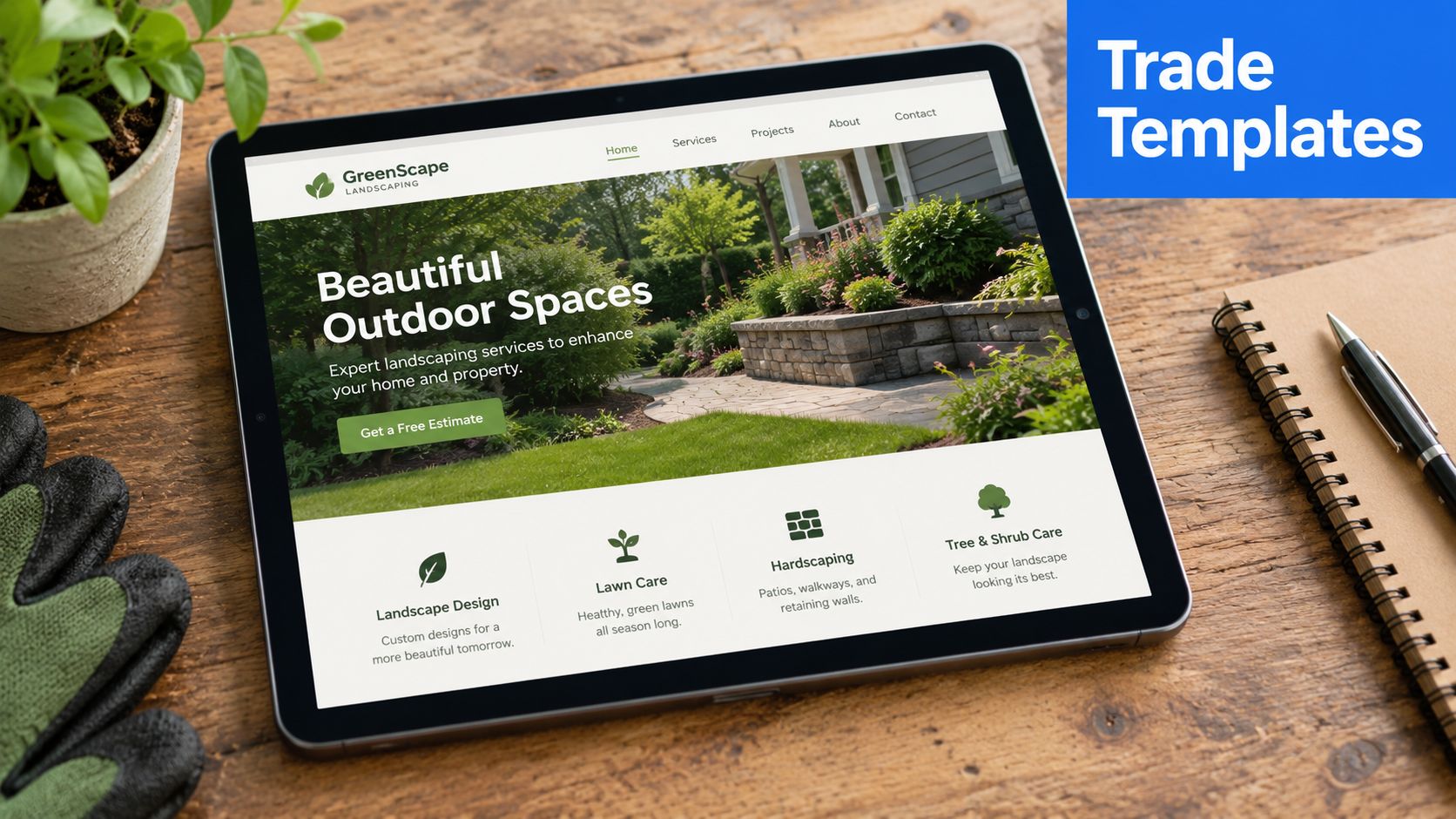
What to look for in a template
Start with the offer. If the software gives you a prebuilt funnel for one trade, check whether the headline, proof points, and call to action fit what customers in that trade usually want. A gardener may need visual reassurance and seasonal framing. An electrician may need urgency and trust signals. A cleaner may need clarity and simple booking.
Next, look at the landing page flow. The page should follow the ad's promise, not fight it. If the ad speaks to fast service, the landing page needs to keep that promise front and center, with a short form, clear service area, and a direct next step.
Then customize for local relevance. Add the city, the service area, and the type of job you want more of. Don't rewrite everything. Keep the proven structure, but swap in the details that make the offer feel local and credible.
The best template is the one you can adapt without breaking the conversion path.
This is also where a platform with prebuilt local-service templates can save real time. For example, benjiads is built around trade-specific ads, funnels, and follow-up, so the work starts from a local-service framework instead of a blank page. That kind of structure matters if you're trying to launch quickly without losing control over the final creative.
The biggest mistake is over-customizing before you've got a working baseline. A lot of owners change the colors, rewrite the headline, and add five extra sections, then wonder why the page stops converting. Use the template to get the first version live, then refine what the data tells you, not what feels clever in the moment.
Software vs. Agencies vs. DIY
A local service business usually feels the trade-offs fastest when leads start coming in and follow-up slips. The choice is really about where you want the pressure to sit. Software cuts repetitive work, agencies take on strategy and execution, and DIY gives you control while pulling more of your time into the process.
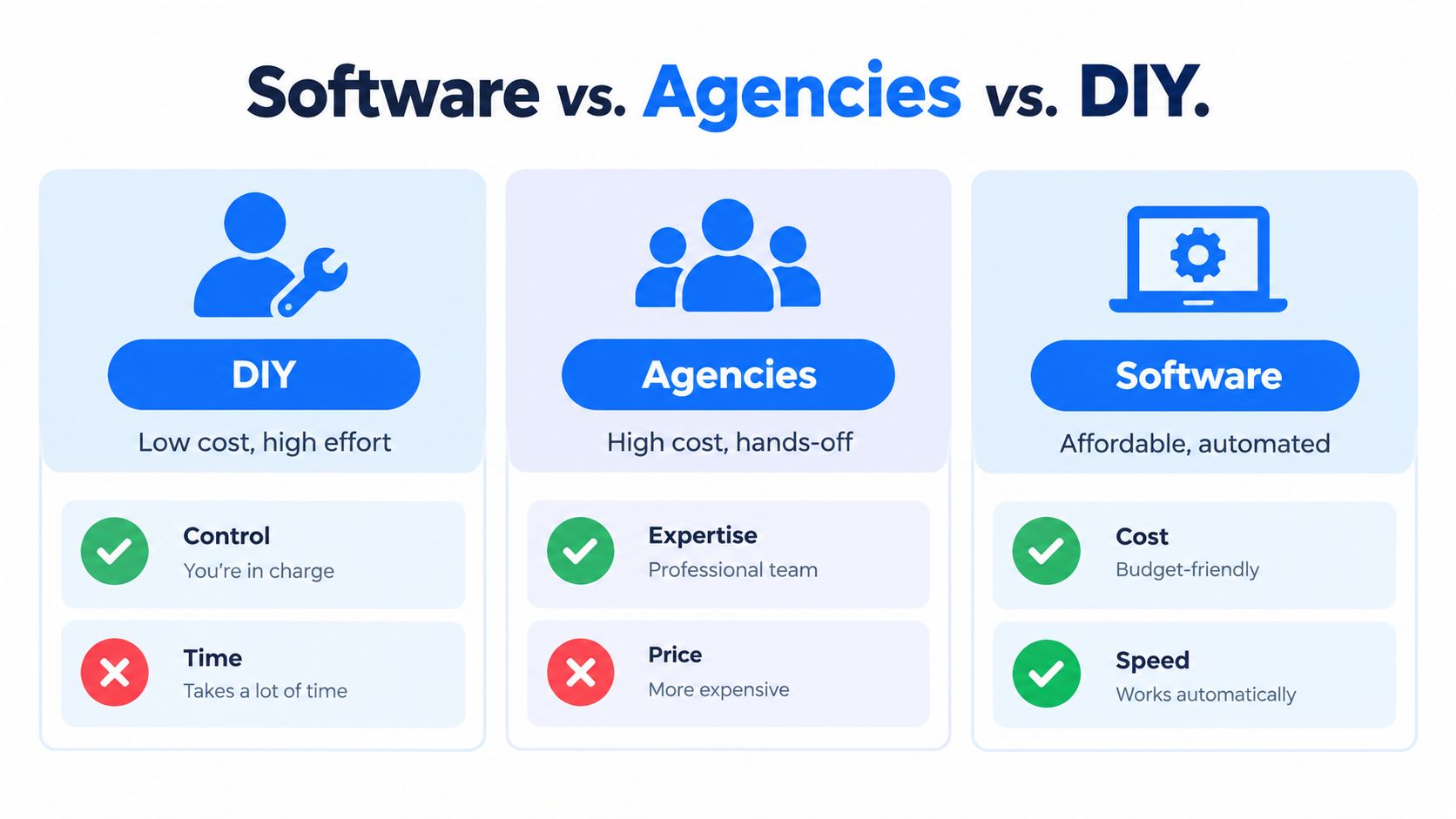
| Option | Strengths | Trade-offs |
|---|---|---|
| DIY | Full control, low cash outlay | Slow setup, steep learning curve, easy to stall |
| Agency | Hands-off execution, strategy support | Higher cost, less day-to-day visibility, variable responsiveness |
| Software | Faster launch, automation, clearer workflow | Still requires approval, good inputs, and enough oversight to steer it well |
DIY works if you have time to learn the ad platforms, write the copy, manage follow-up, and fix tracking yourself. For an owner already on jobs or answering phones, that workload turns into a hidden cost. The problem is not just software tabs, it is the time spent acting as your own media buyer, copywriter, analyst, and dispatcher.
Agencies make sense when the marketing mix is more complex or the business needs outside strategy. The trade-off is immediacy. A change in offer, budget, or service area can take longer to execute, see how automated marketing platforms handle this, and reporting can drift toward vanity metrics if the agency does not tie campaigns to booked jobs.
Software fits best when you want the system to handle repetitive work and your team to stay focused on approvals and operations. That matters for smaller shops, local service operators, and owners who do not want a full agency retainer just to keep ads moving. Automated follow-up has become a core feature because response speed shapes conversion, and software is the most direct way to keep that speed consistent.
If the lead flow breaks when you get busy, the system is too manual.
Understanding Pricing and ROI
Pricing only looks expensive when you judge it against the software fee alone. The actual comparison is between what you spend and what you keep from the leads you already paid to create. If a tool saves time, improves attribution, and gets you to a booked job faster, its value shows up in the pipeline, not just the dashboard.
Pricing models that show up in practice
Most local lead generation software is sold as a monthly subscription, sometimes with an added fee tied to ad spend or platform usage. That structure makes sense because the software isn't just a file cabinet, it's running creative, launch, tracking, and follow-up in one workflow. The question is whether the fee buys a tighter booking process, or just a prettier interface.
The table below is a practical way to think about common pricing structures.
| Model Type | Typical Cost Structure | Best For |
|---|---|---|
| Flat subscription | Monthly software fee | Owners who want predictable overhead |
| Subscription plus ad-spend fee | Monthly fee plus percentage of spend | Teams scaling paid traffic and wanting managed automation |
| Agency retainer | Fixed monthly service fee | Businesses that want strategy and execution handled externally |
| DIY stack | Separate tools for ads, CRM, tracking, and texting | Owners with time to stitch systems together |
The key ROI question isn't “what does the software cost?” It's “how much manual work did it remove, and how many more leads became booked jobs because follow-up was faster and tracking was clearer?” That's why attribution matters so much. Modern local lead generation software needs server-side event capture plus client-side signals because browser-only measurement is incomplete, and it should reconcile backend events, CRM validation, and ad-platform delivery rather than trust a single analytics layer as the truth. That's the difference between knowing what happened and hoping it did.
If the reporting only shows leads, you're still making decisions with partial information. If it shows where the lead came from, whether it was validated, whether it got a text, and whether it booked, you can trim waste and scale what's working. That's the part most owners miss when they compare software prices to agency retainers.
Final Checklist for Choosing Software
Start with the workflow, not the sales pitch. Ask whether the system can move a prospect from ad click to first text to booked conversation without making your team babysit every step. If the answer is fuzzy, the platform will probably create more admin work than it removes.
Use this checklist before you commit:
- Ease of use: Can you launch and review campaigns without a long onboarding slog?
- Integrations: Does it connect with your CRM, call tracking, and lead forms cleanly?
- Tracking depth: Can it show source, lead status, and booking outcomes instead of raw clicks alone?
- Follow-up speed: Does it text immediately when a lead is captured and validated?
- Support quality: When something breaks, can you reach a real person who understands local service workflows?
- Scalability: Will it still work when you add more locations, more ad spend, or more service lines?
A good test is to ask for a live walkthrough of the full journey, from campaign creation through SMS follow-up and reporting. Don't let the demo stay on the surface. You want to see what happens after the form submit, because that's where most lead-gen tools lose value.
If you're comparing options for a local service business, focus on the one that closes the gap between paid traffic and booked work, not the one with the nicest dashboard. BenjiAds is built to automate ads, tracking, and text follow-up for local service businesses, so if that workflow matches your needs, visit benjiads and see how it fits your lead handling process.
- local lead generation software
- lead gen
- local marketing
- service business
- automation
Done for you
Ads that text you customers.
- ✓ Ads created for you
- ✓ Every lead texts your phone
- ✓ Free to use, no credit card
748+ local businesses run ads with benjiads